Gabrielle WeeGabrielle Wee’s personal blog and photo journal.2023-08-22T00:00:00Zhttps://gabriellew.eeGabrielle Weemail@gabriellew.eeHello, world!2021-07-21T00:00:00Zhttps://gabriellew.ee/posts/2021/07/21/hello-world/
Finally got this thing up and running. It’s late and I’m exhausted from churning this out in a couple of days, so I’ll write a proper introduction tomorrow. ✌🏼
]]>
Setting up shop.2021-07-26T00:00:00Zhttps://gabriellew.ee/posts/2021/07/26/setting-up-shop/
It’s been a while since I’ve really done a proper update on this website. I’d like to talk through the last few years of this site, and what I did to make this current iteration happen.
2017 version
Previously, I hosted this website on Github Pages and used a static site generator called Cactus to build my files.
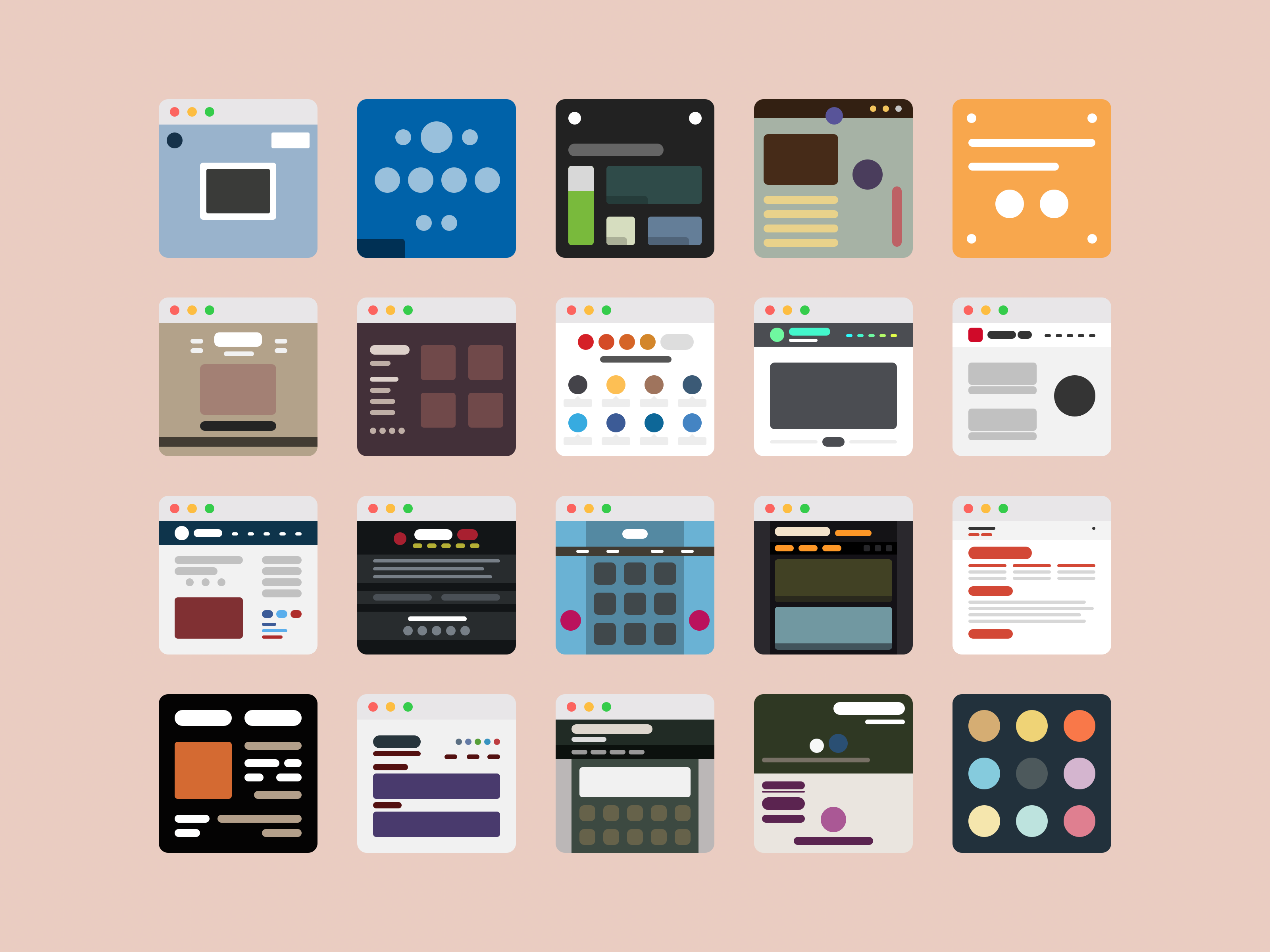
I was (and still am) really proud of this portfolio. It was my first big project out of college, and it got featured a few times on various sites. I experimented with different layout techniques and for the first time, created an extensive set of my own icons and thumbnails.
Website thumbnail icons I created for my portfolio
After this, I didn’t update my portfolio for almost four years. I started working at Apple in 2017 as a vendor and transitioned to full-time in 2018, so there really wasn’t any need to change things up. I also really liked the design and couldn’t think of how to change it.
2020 version
Finally, last year, during the height of the pandemic, I decided I needed to change things up. I still didn’t have a clue what it should look like, but my work was badly outdated, so I decided to just make it more of a landing page with links to websites that I was updating regularly.
Landing page version
Current version
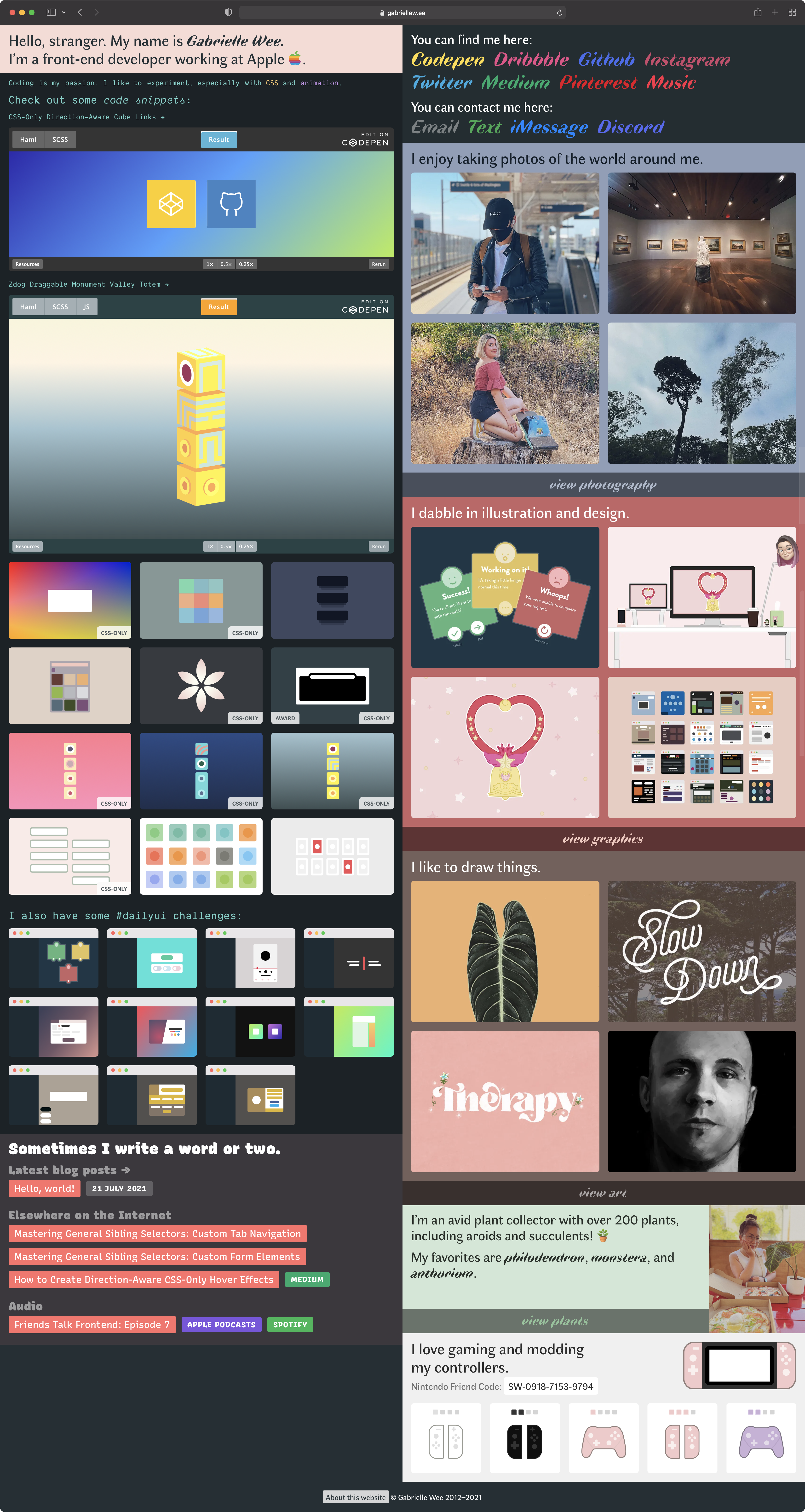
This year is the year I decided to build a full website again. I really wanted something that not only highlighted my work as a developer but also included my hobbies and other non-work activities. I’ve also been strongly nostalgic for the whacky, quirky Geocities-type websites that used to exist before everything became smooth and clean and minimal. Lastly, I wanted my website to be completely functional without Javascript.
I came up with a design that is busy but organized. Each section represents one of my interests and has its own styles and colors. There’s also light and dark versions of this site. I chose Faune as the main font because I really loved the unusual-looking italics.
Current website
This site is built with Eleventy and is hosted on Netlify. I chose Netlify because of the ease of use and plethora of configuration options and plugins. Eleventy is easy to learn and has the most flexibility out of the static site generators I was looking at.
No-JS
Something I’m really proud of is the no-JS functionality. On my visual pages (Photography, Graphic, and Art), I have a popup for each image that gives you more information when the image is clicked. The trigger is a checkbox with multiple labels.
CSS-only photo info popup; doesn’t include Javascript.
I used a bit of Javascript to enhance the trigger. It creates some additional functionality like being able to tab through the triggers and scroll to the correct image when the trigger is focused.
buttons.forEach(button=>{let info = button.nextElementSibling.nextElementSibling.nextElementSibling;let name = button.getAttribute("id").slice(0, -5);let expand = info.querySelector(".grid-expand");info.setAttribute("aria-hidden", "false");button.addEventListener("focus", e => {document.getElementById(name).scrollIntoView({ behavior: "smooth" });});button.addEventListener("keypress", e => {if (e.key === "Enter") {if(button.checked){button.checked = false;expand.tabIndex = -1;info.setAttribute("aria-hidden", "true");} else {button.checked = true;expand.tabIndex = 0;info.setAttribute("aria-hidden", "false");}}});});
Another no-JS component is the lightbox. I found this ingenious solution that uses :target to trigger the lightbox activation.
I styled it with some basic CSS transitions and a loading icon, then added enhanced Javascript functionality on top to cycle through images and use keyboard shortcuts. The background is separate from the image so that it doesn’t fade in and out when you use the arrow key to tab to another image.
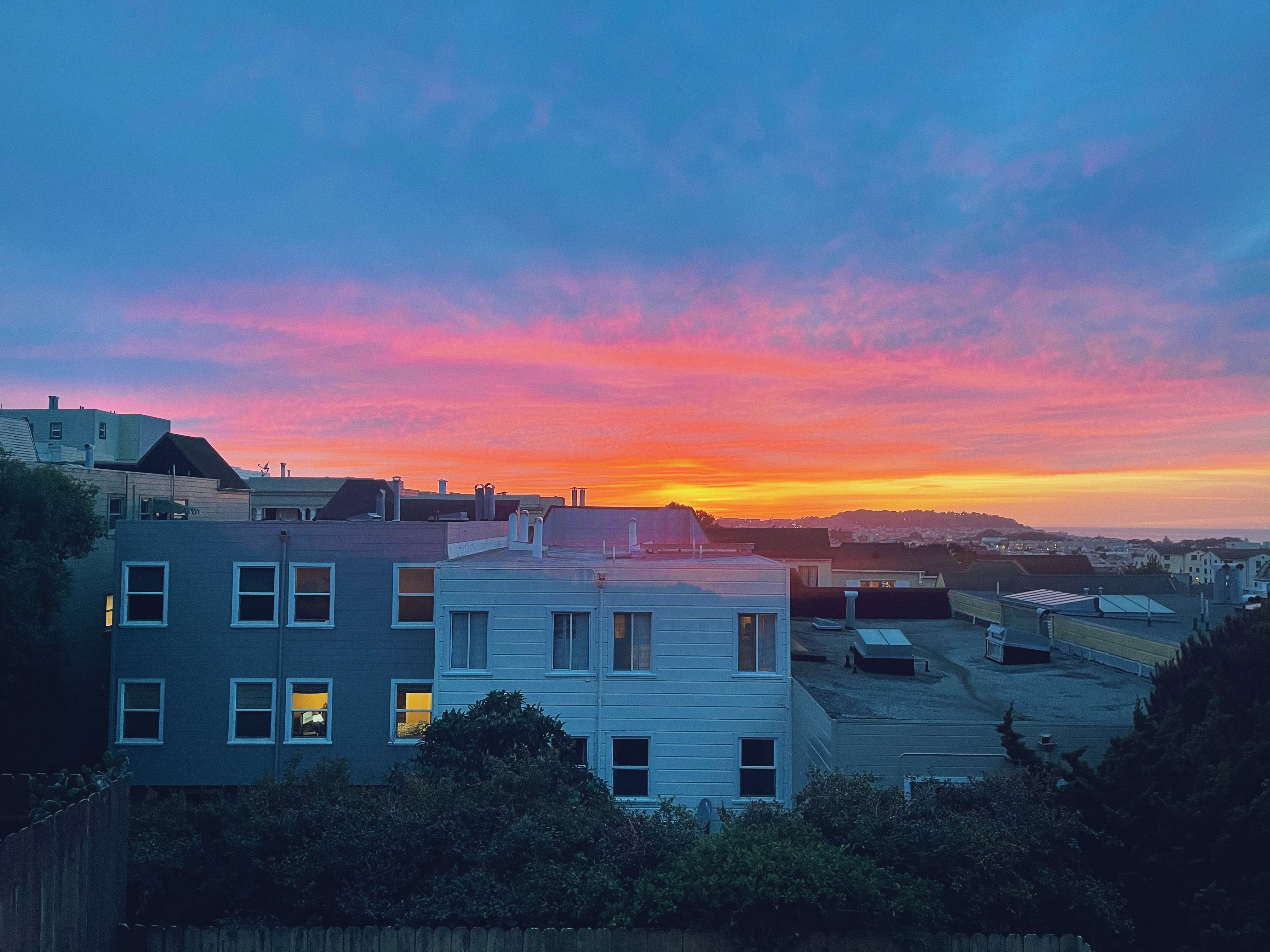
Click on this sunset photo to try out the lightbox
Eleventy
I really love how easy it is to organize your files and code any way you want with Eleventy. Each of the visual homepage sections and my blog are Eleventy collections. Here are a couple of Eleventy plugins/filters/shortcodes that I found useful:
Limit the number of items in an Eleventy collection
eleventyConfig.addShortcode('excerpt', post => {if (!post.hasOwnProperty(’templateContent')) {console.warn('❌ Failed to extract excerpt: Document has no property `templateContent`.');return;}const excerptSeparator = '<!--more-->';const content = post.templateContent;if (content.includes(excerptSeparator)) {return content.substring(0, content.indexOf(excerptSeparator)).trim();}const pCloseTag = '</p>';if (content.includes(pCloseTag)) {return content.substring(0, content.indexOf(pCloseTag) + pCloseTag.length);}return content;});
Previous versions
These days, I’m loath to lose any previous website content, even content that is no longer relevant or even embarrassing. I decided to upload an archive of as many versions of my website as possible. The only one I’m currently missing is the very first version that was built in Wordpress and hosted by Hostgator (I wasn’t using Github for versioning at that time), but the posts are preserved in the next version. I’m even working on getting old posts from previous blogs (Xanga, Tumblr, etc) onto this blog.
Last but not least, I have this blog. The layout I’m using for the other pages wasn’t really conducive to a blog format, so I created an entirely separate set of styles. One of the things I really love about this site is the font, Recursive. It’s a variable font that I’m using for every single part of the blog site, including the code snippets. You can even animate between the proportional and monospace versions!
That’s all, folks.
It’s a bit messy, and I have more direct commits than I should, but if you want to check out the code for this website, you can view the repo.
I keep making small changes here and there, but the heavy lifting is done. I’m hoping to write here more regularly in the future!
]]>
Mourning online.2022-03-11T00:00:00Zhttps://gabriellew.ee/posts/2022/03/11/mourning-online/
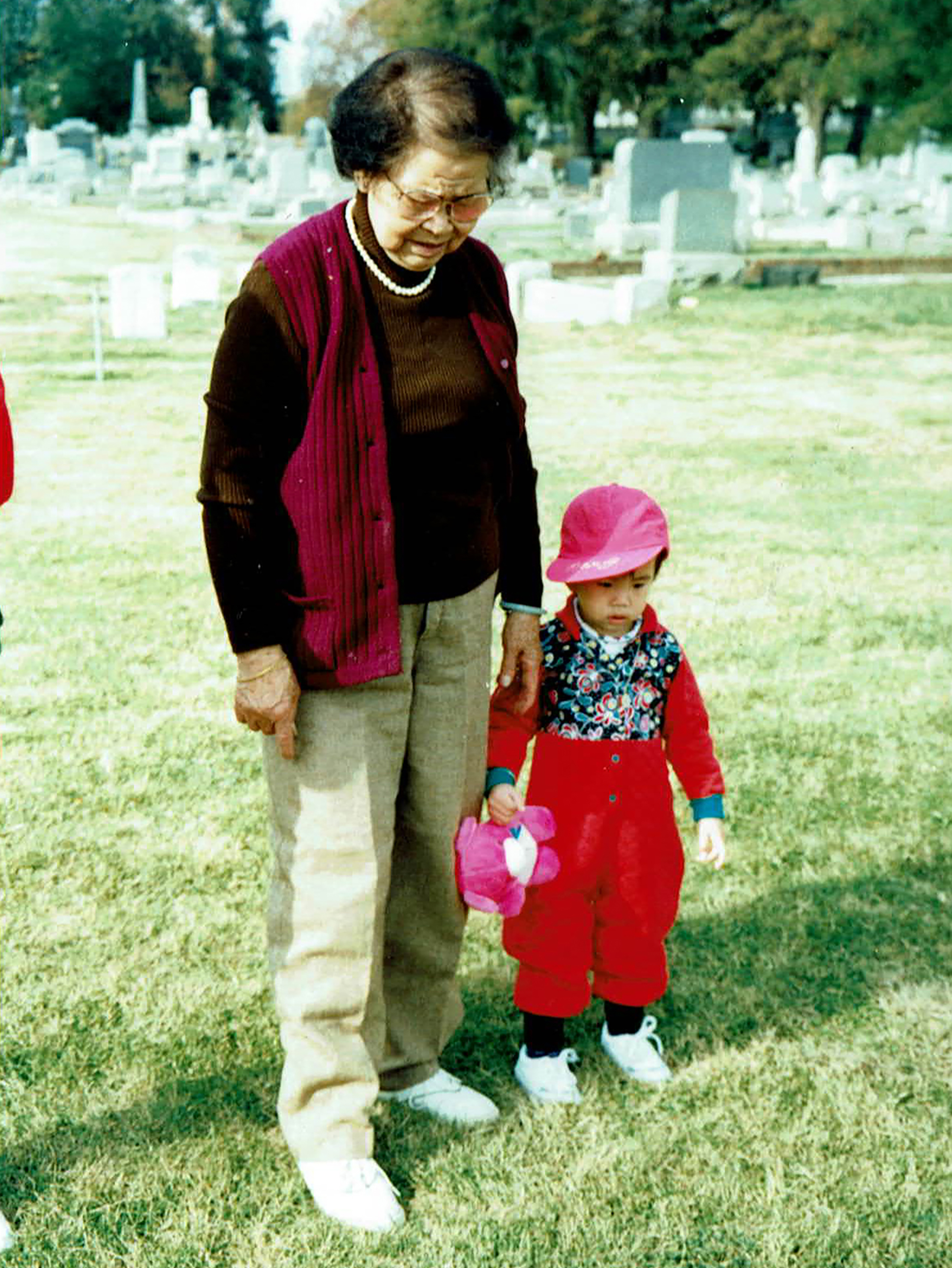
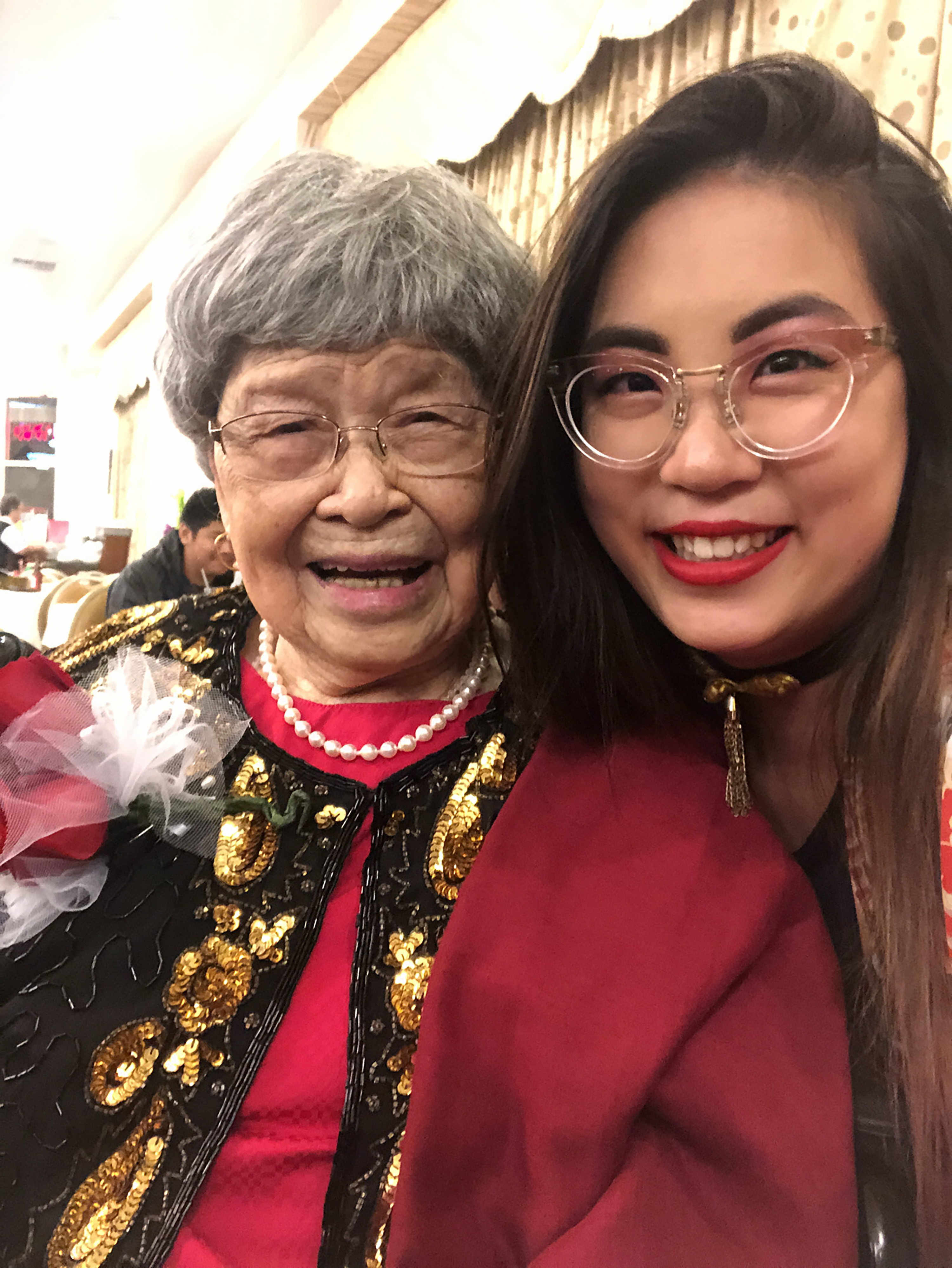
Late last year, my paternal grandmother passed away. She was an incredible woman, flaws and all. I wrote a short eulogy for her funeral.
One of my earliest memories of my grandmother was when I was about five years old. My parents had left me at her house for a few hours, and upon returning, found me hiding behind the sofa. They asked me what was wrong, and I told them I didn’t want to eat anymore. Ngin Ngin had fed me so much that I had finally had enough and had to remove myself from the situation.
That was how Ngin Ngin was. Whenever I called or visited, she always greeted me by asking me if I wanted food. “Hoo mm oo” was her favorite phrase with me. “Do you want this?” And she would wave some delicious home cooked food in front of my face. One time I told her how much I loved her fu jook soup, and that ended up being the only soup she’d make for me for the next fifteen years.
I don’t really speak Toisan, her dialect, and she didn’t really speak English, but we still managed to communicate. I would sit with her for hours while she painstakingly told her stories to me. About traveling to Hong Kong and the US, about her village in China and the famine she suffered though, about her struggles to raise her children by herself. She always emphasized that despite her struggles, God had blessed her with everything in her life.
She always reminded me how much she loved me and would giggle whenever I hugged her or kissed her cheek. Even at her last, she was smiling as I held her hand and told her I loved her.
I love you, Ngin Ngin, and I look forward to one day seeing you again in Heaven.
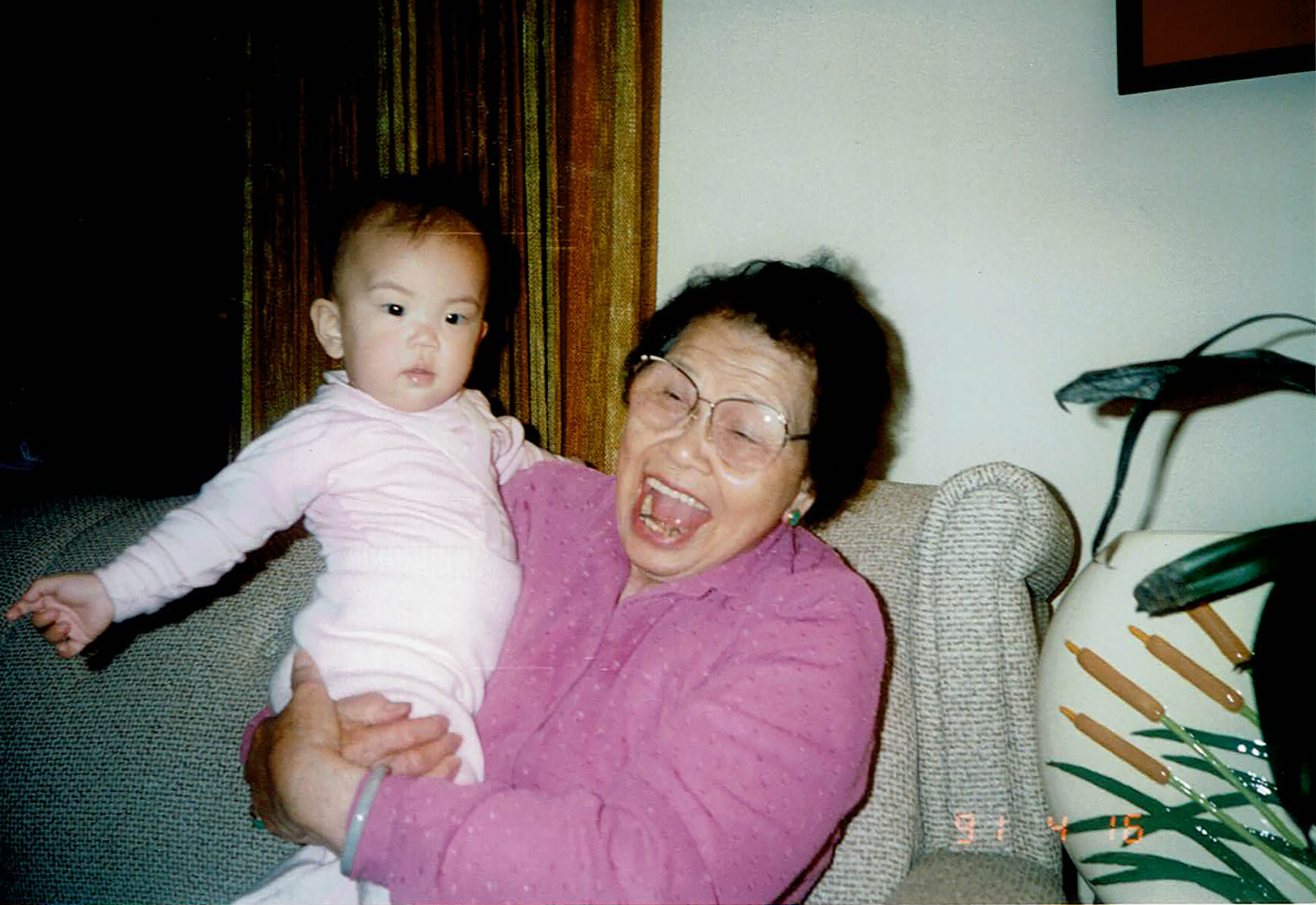
Me and Ngin NginMe and Ngin Ngin visiting Ye YeMe and Ngin Ngin at one of her recent birthdays
I miss Ngin Ngin a lot. I didn’t realize what a enormous rift her passing would leave in my life. Even writing about her now is still painful. I’m learning, slowly, to let myself grieve.
One of the things I never really thought about before she passed away was mourning online. I haven’t really had very many people close to me pass away in the recent years, and the few I knew of had some sort of social media presence where people could gather and share memories. My grandmother could barely operate a DVD player — there was no way she could manage Facebook or anything of the kind.
My family ended up asking me to create a website memorializing her. I thought this would be a quick and easy task, but it’s actually really difficult to find what I was looking for:
A minimal page that included a place for her obituary and memorial video
A self-moderated guestbook that anybody could sign without social media
Inexpensive or free to use
Most of the memorial websites I came across were not suitable for what I wanted. Many were outdated and looked like they were built twenty years ago. Others were free but were overwhelming and had too much information. Some wanted around $100 USD up front to unlock features and others had a monthly subscription.
I knew that I could make something better for Ngin Ngin, something that wouldn’t burden my family with constant fees and bloated extras. So here is what I came up with.
Setup
I decided to use my current setup that I’m working with on my personal website. It’s simple and straightforward — I built the site in Eleventy, stored it in Github, and deployed it to Netlify.
Guestbooks and Netlify Forms
I really wanted to avoid using third-party software for the guestbook, so I decided to try out Netlify Forms. The setup was a little complicated, but I figured it out in the end.
First, I set up the forms HTML in my template with spam filters. The Netlify docs have more detailed information on how to customize your form.
const Cache = require('@11ty/eleventy-fetch');/** * Grabs the remote data and returns back an array of objects * * @returns {Array} Empty or array of objects */module.exports = async () => {try {let url = "https://api.netlify.com/api/v1/sites/{SITE_ID}/forms/{FORM_ID}/submissions";/* This returns a promise */return Cache(url, {duration: '1d', // 1 daytype: 'json',fetchOptions: {headers: {'Authorization': "Bearer {ACCESS_TOKEN}"}}});} catch(e) {return [];}};
The last part was setting up the HTML for the form submissions, with a couple of small Eleventy filters for the date.
{% for guest in guests %}<section><time datetime="{{guest.created_at|htmlDateString}}">{{guest.created_at|readableDataDate}}</time><figure><figcaption><cite><h3>{{guest.data.name}}</h3></cite></figcaption><blockquote>{{guest.data.message}}</blockquote></figure><picture><img src="{{guest.data.file.url}}" alt=""></picture></section>{% endfor %}
Video
The last part of putting the site together was formatting and uploading my grandmother’s memorial video. This took the longest — I had to gather over 70 years worth of old photos, organize them, scan them, and put them into a video. I did this with Apple’s scan utility, Photoshop (to clean them up a bit), and Final Cut Pro (for the video itself). You can substitute Final Cut Pro with iMovie or the video editing software of your choice.
I chose not to host the video on YouTube or other sites, so the difficult part was getting the video to work on the website. I had to reduce the size to something that could load on a mobile device. I managed to get it down to about 40mb — which is still really large — but I figured it’s the only large media on the site and it’s not necessary to load it to use the site. I installed FFmpeg and used it to reduce and convert my video via command line.
In order to upload the video file, I had to enable Git LFS, Netlify CLI, and Netlify Large Media. I had a bit of trouble getting it to all work together, but definitely installing Netlify CLI globally helped.
Once I had the video uploaded, I could finally put it on the site. I know that preload="metadata" is only really a suggestion, but it’s better than nothing ¯\_(ツ)_/¯
I threw together this website the week before my grandmother’s funeral. It was a madwoman’s dash to the finish line, and yet I’m proud of the work I did. I’m also happy that I was able to put it together in a way that will be easy to maintain for my family — I moderate the guestbook submissions through Netlify and all they have to pay for is the domain name — $12 a year, much more inexpensive than the other monthly subscriptions that don’t include a domain name. I don’t know if anybody has needs as specific as mine, but hopefully this helps someone out there.
]]>
Brain fog.2022-03-18T00:00:00Zhttps://gabriellew.ee/posts/2022/03/18/brain-fog/
December and January were rough months for me. Work was stressful, my grandmother passed away, and then in January I suffered from debilitating migraines for three straight weeks. I think it was the culmination of all the anxiety and stress I was holding inside.
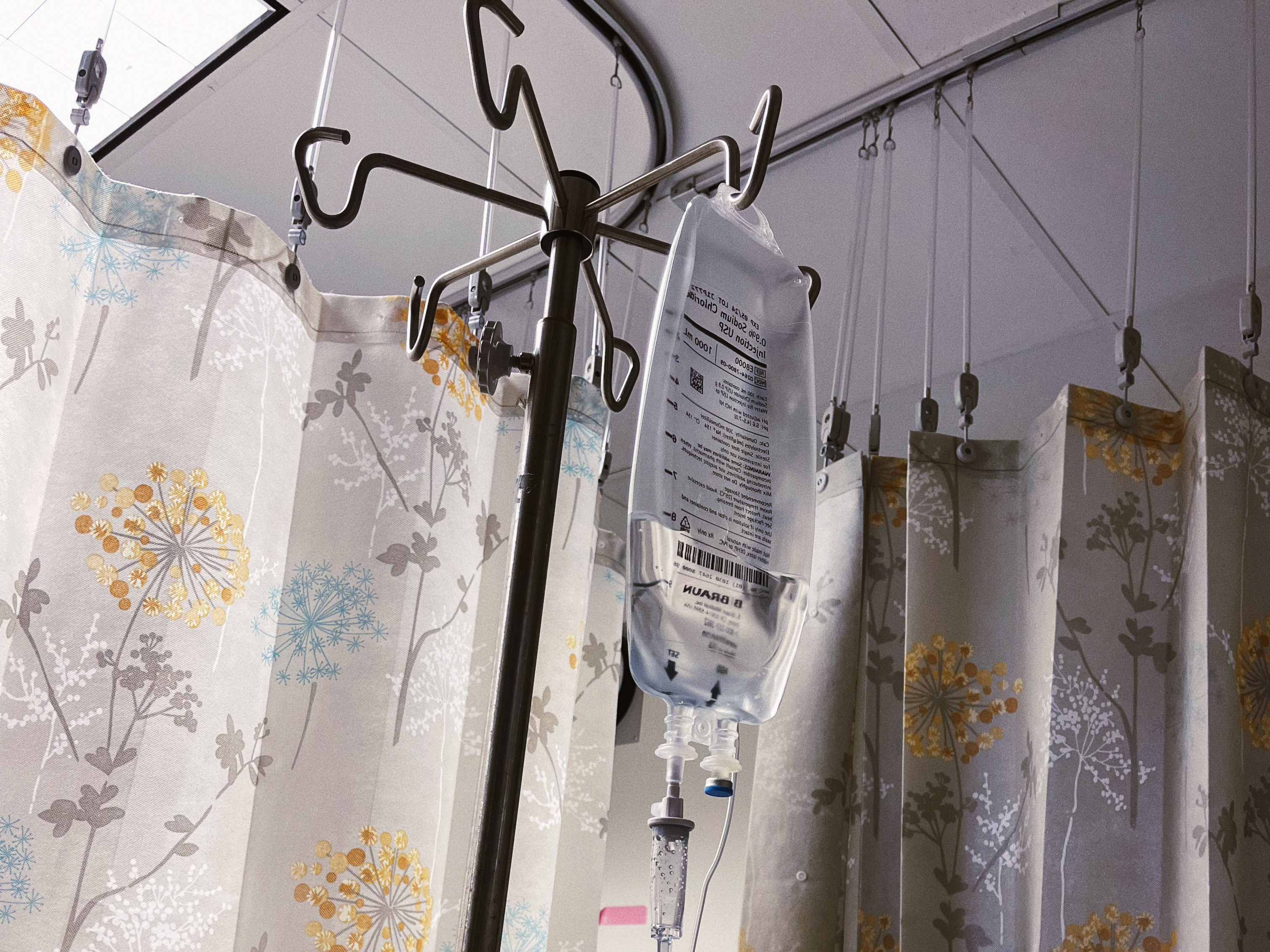
Those three weeks passed like a fever dream. I would get up from bed to go lay on the couch, and throw back Tylenol and Excedrin every few hours. My moans of pain became so constant that I almost didn’t notice them anymore. I went to the ER once and they pumped me full of Tylenol and Benadryl. My dreams were filled with monsters who lurked in the shadows and devoured people. I cried constantly. I threw up almost everything I ate. We kept a bucket next to me at all times along with a basket full of meds.
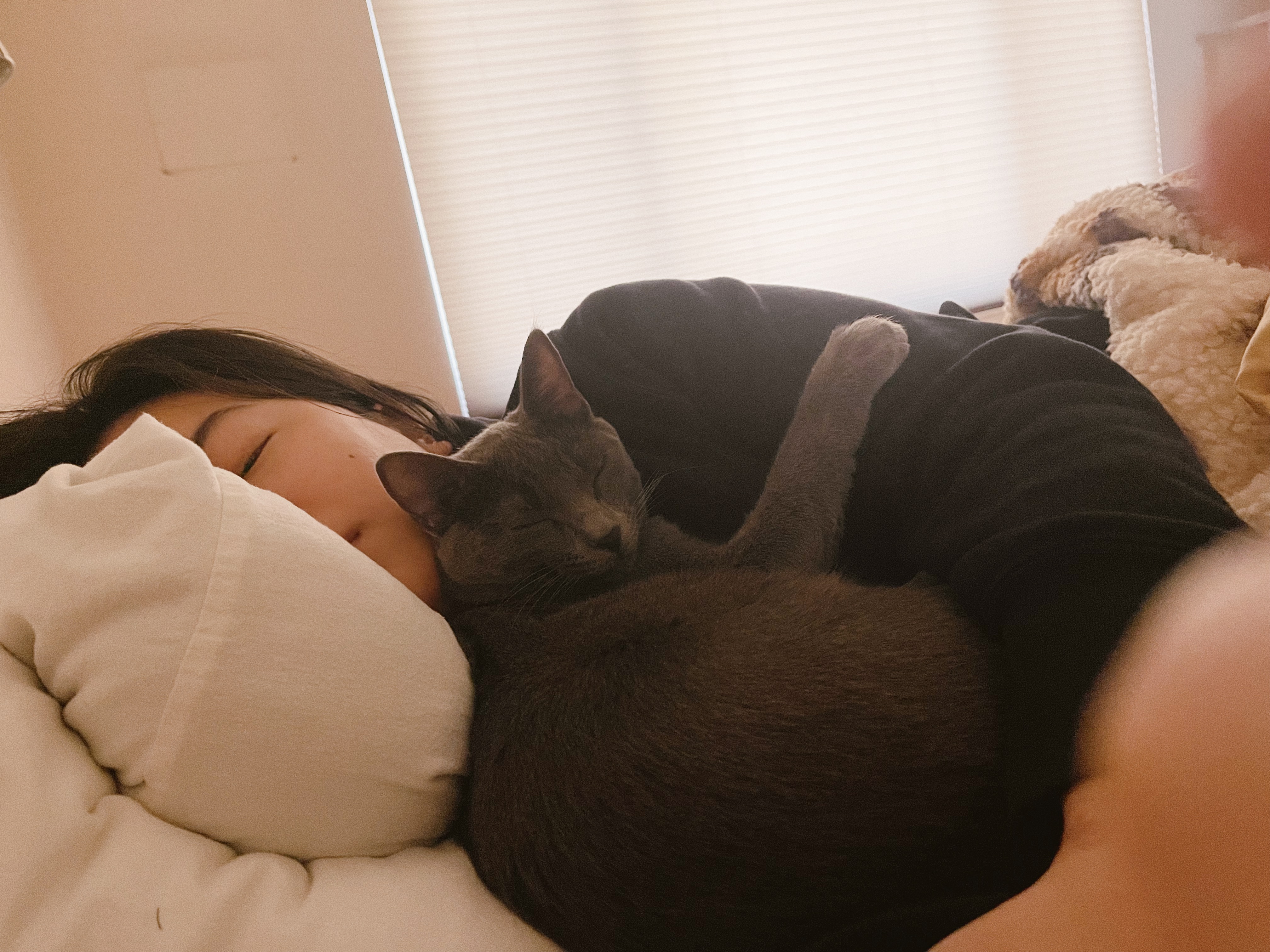
The photo I sent to my family when I went to the ERMy cat cuddling me one morning while I was sick in bed
Sounds were especially painful. Everything was loud and echoed uncontrollably through my brain. I could literally hear music throughout the night even though there was almost complete silence. Actually listening to music was painful and I avoided it as much as I could.
Visuals weren’t any better — I felt like I was hallucinating. Dark corners seemed to hold the monsters I dreamed about. I kept getting aura-like symptoms — the precursor to migraines — but I couldn’t tell at the time because all the migraines and auras and symptoms blended together. I felt like I had a permanent large sunspot obscuring all of my vision. I’d regularly see cracks of light all over my otherwise blurry vision.
Finally, at the beginning of February, my migraines began to subside. I was fortunate enough to have a sympathetic manager and team lead who gave me all the time off I needed, and loved ones to take care of me while I was sick. Without them, I don’t know where I’d be.
Even the symptoms of recovery were awful. I felt like my brain was resetting itself. All my senses were numbed (perhaps because they were so intense while I was sick). I couldn’t taste, smell, or feel anything. My ears felt muffled. A hot shower felt lukewarm. Even holding my cat felt like nothing but weight.
I also went through a period of excruciating, extreme emotions. One day I would be wildly euphoric, giggling uncontrollably and dancing around the house. The next day, I would sob uncontrollably and feel like I was falling back into migraine territory. The swings were unpredictable and intense — I felt like my brain was testing out what range I had left after being sick.
The worst, though, was the brain fog. I prided myself on being a quick thinker, always ready with a riposte, and fast with my code. I couldn’t even look at a basic HTML page and understand what was going on. My favorite activity, reading, was impossible. People would ask me questions and it would take me several minutes to respond instead of seconds. I felt like a part of myself had been stolen by the migraines.
I truly believed I was going insane that entire month. I can look back now and understand that I was under extreme duress, but at the time, I felt like my body was betraying me. I kept trying to work, kept trying to live my normal life. It’s only now, a month and a half later, that the last of my recovery symptoms is starting to disappear. I still get the massive sun spot when I move too fast, and I have a sensitive spot on my head right where it hurt.
The entire experience has left me grateful for my current life. I’ve started to be able to enjoy my hobbies again. I’m putting up artwork on my walls, trying out new makeup, even coding. I’m finally myself again, and even though I know the migraines will probably be a reoccuring problem, hopefully this experience has left me prepared for what will come.
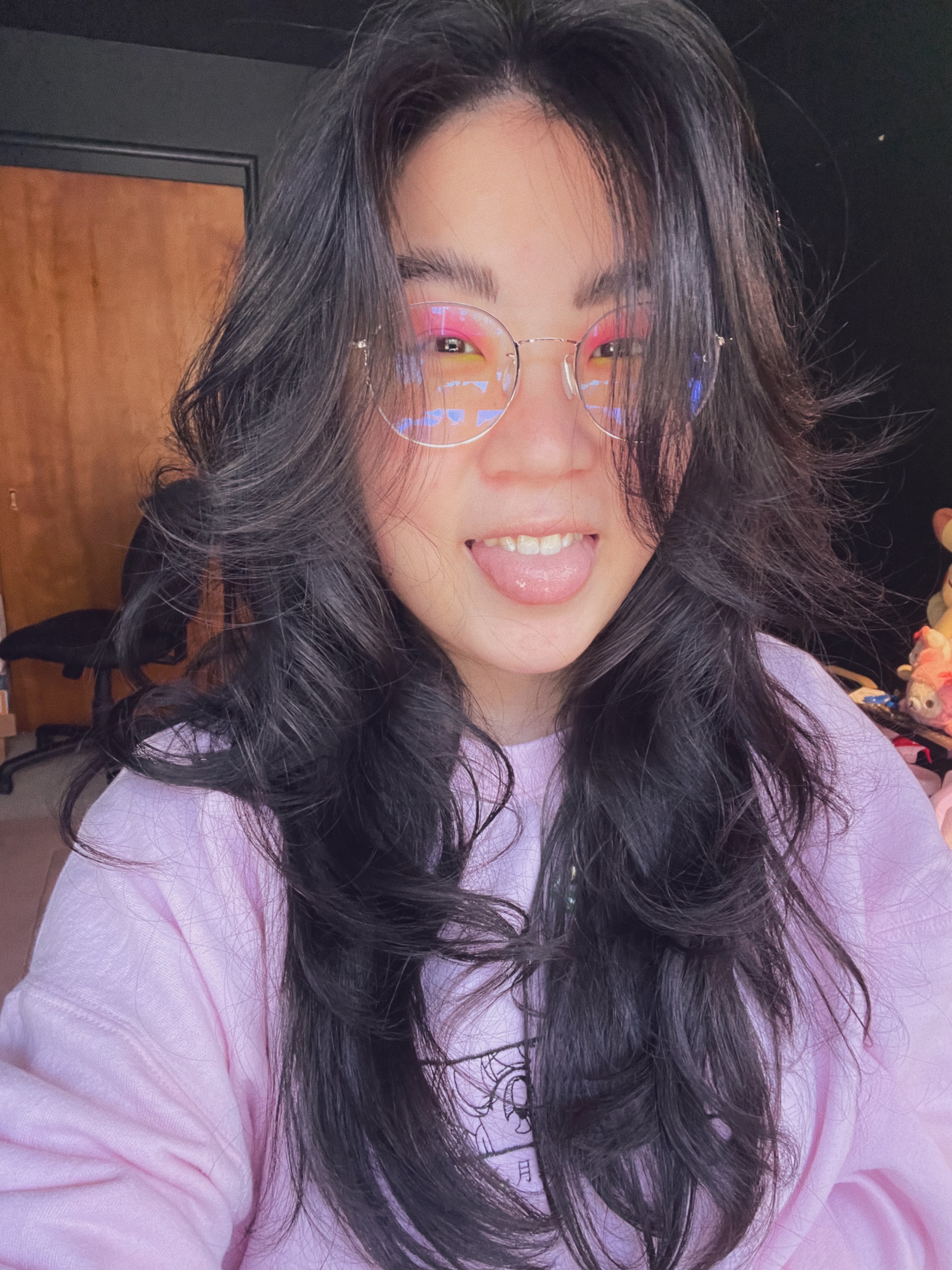
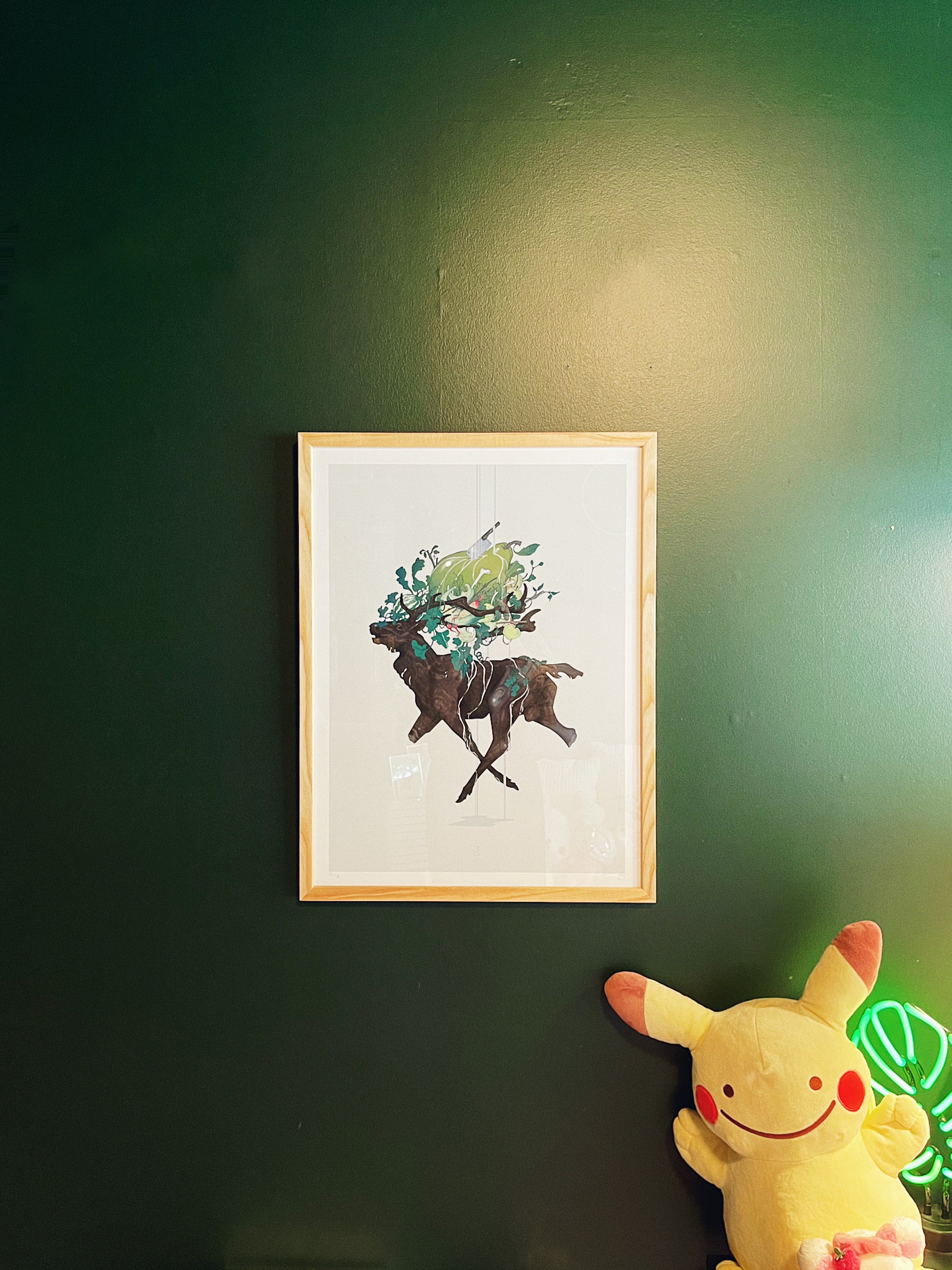
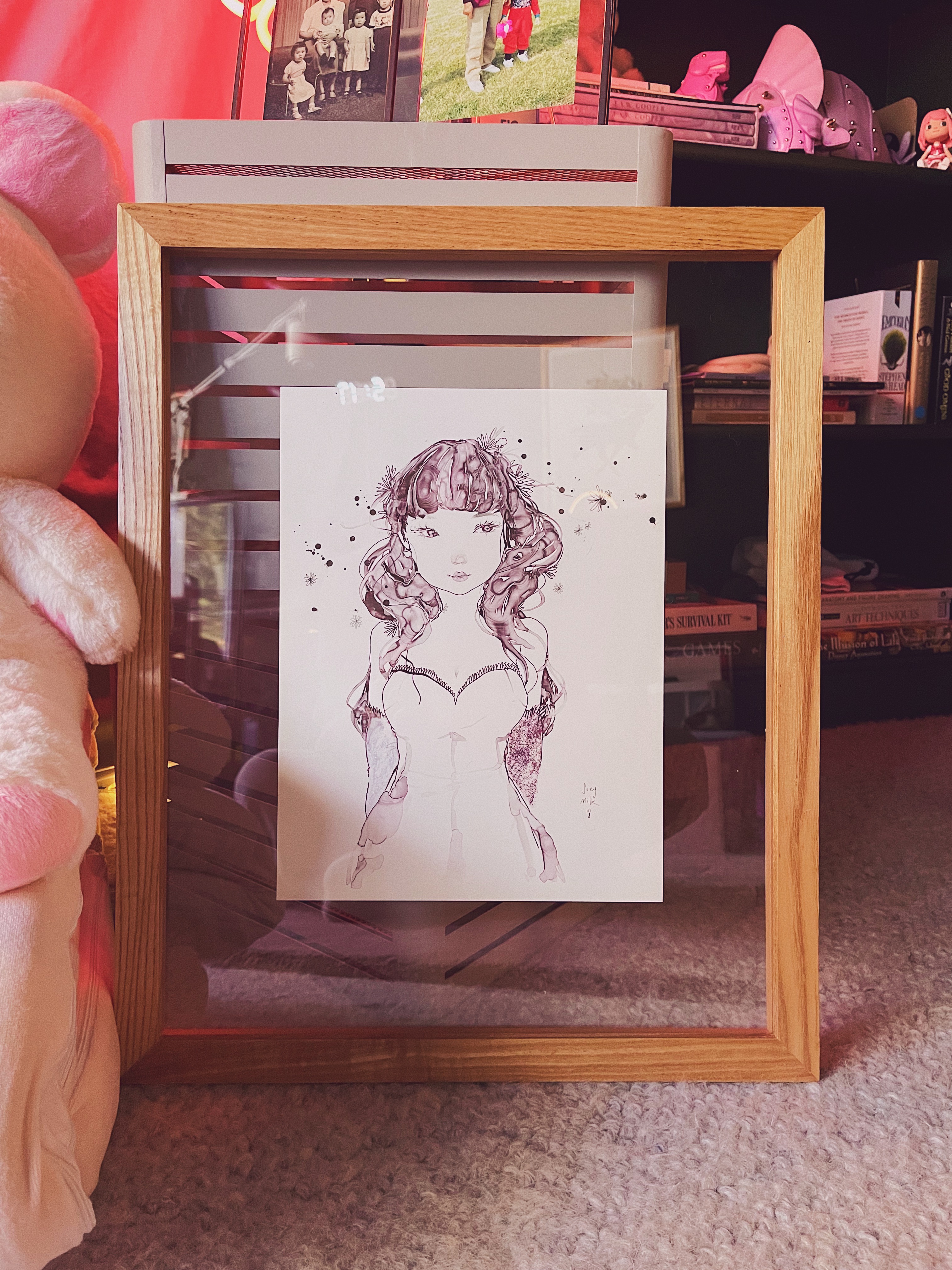
Trying out neon green and pink makeup and velcro roller hairArt poster by JAW Cooper from a Kickstarter I supportedOriginal art by soeymilk that I purchased at Comic Con
]]>
Things that make me happy.2022-07-20T00:00:00Zhttps://gabriellew.ee/posts/2022/07/20/things-that-make-me-happy/
Because I was sick earlier this year, I feel like I finally really got into the swing of things when summer started. I unfortunately haven’t been able to travel, which I do miss, but there’s been so many things at home that have made me just as happy.
Desk
While I’ve been working from home for the entirety of the pandemic, I’ve never actually worked on my desk setup. I’ve never even owned a desk - when I was a child, I did my homework on the kitchen table. When I was in college, I worked at school since I needed the computers for my 3d work. When I moved out of my parents’ house to be closer to work, I didn’t buy a desk since all my work was done in the office and I gamed primarily on my Nintendo Switch.
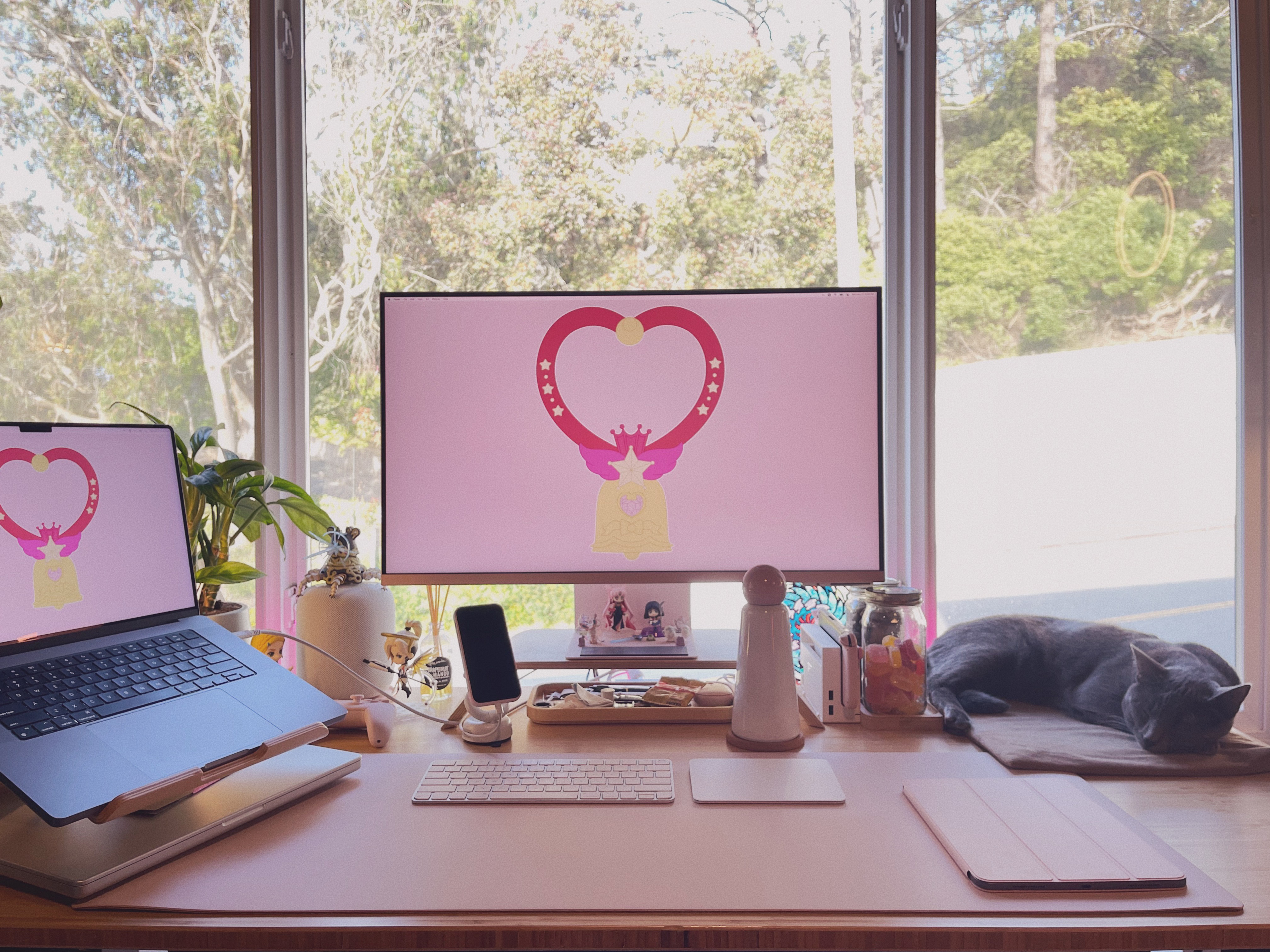
My completed desk setup
I wanted a setup that was both aesthetically pleasing and functional. I have both a personal laptop and a work laptop, so I have to be able to switch between the two easily. I ended up purchasing the Samsung M8 Smart Monitor in pink, and it’s worked out perfectly for me. I use a single USB-C cable to switch between my laptops, and use the mini-HDMI cable to connect to my Nintendo Switch for gaming.
I wasn’t originally intending to have such a pink setup, but I guess I couldn’t help but be drawn to my favorite color. I purchased the limited edition pink deskmat from Maisy Leigh x Grovemade, and I’ve been loving it. I also used one of my old Sailor Moon-inspired illustrations as my desktop wallpaper.
I also had to make room for the best part of my desk setup - my cat Alfie. His cat tree is to the right of my desk, so I also set up a heat mat on that side of my desk so we can hang out while I work. I rearranged my whole desk for him (my laptop was originally on the right side) so I hope he appreciates it!
Peripherals
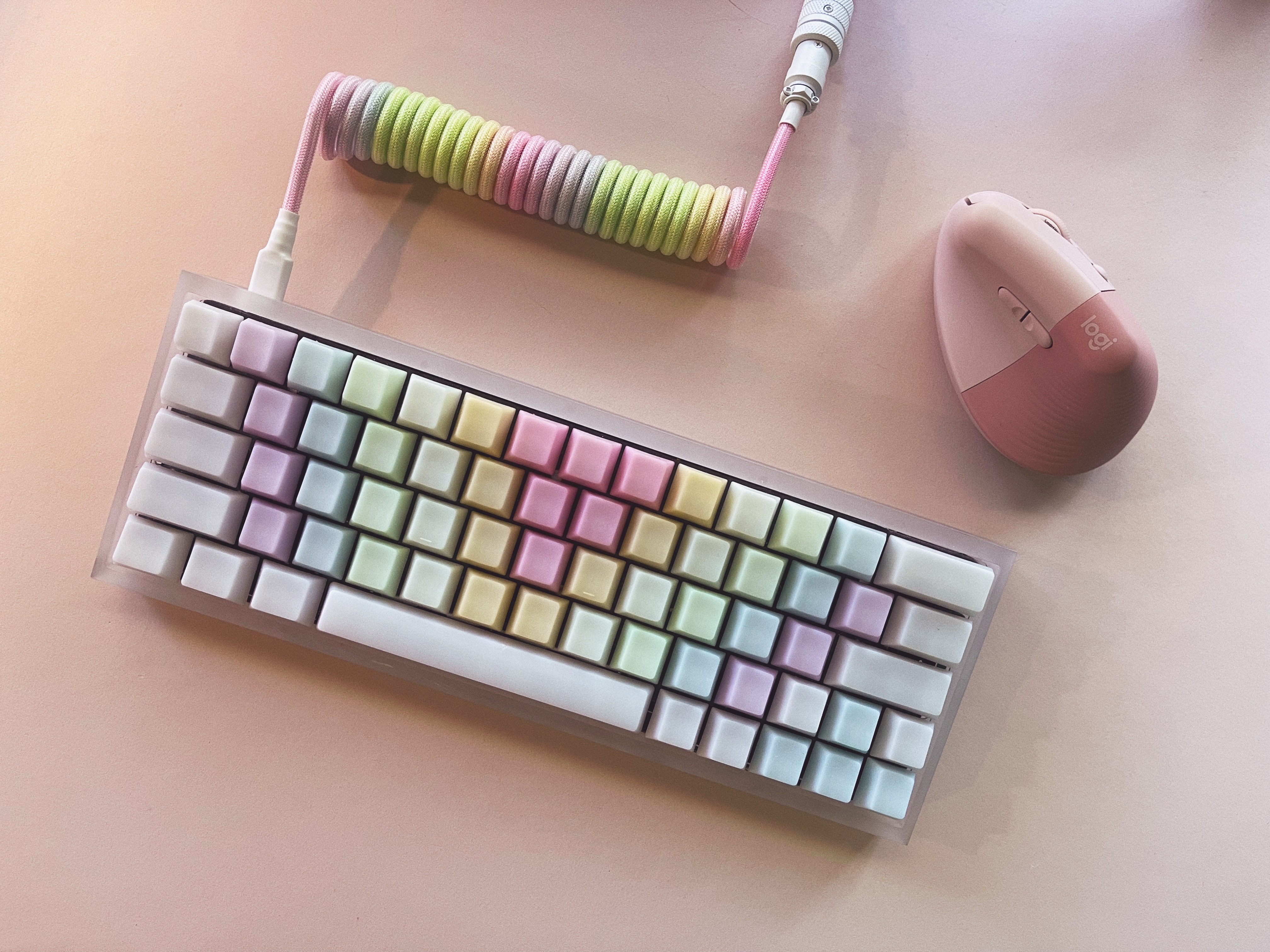
I’ve been eyeing custom mechanical keyboards for what feels like years, but I finally bit the bullet and built my own. I definitely did the most research I’ve ever done for a purchase. Most of the parts were purchased from KBDfans.
My pastel-themed custom mechanical keyboard and Logitech Lift Mouse
Putting together the keyboard was challenging. Luckily, I didn’t have to solder, but still, I bent quite a few switch pins. I love the muted sound of the switches and I’m proud of how it turned out.
I also recently purchased a Logitech Lift Vertical Ergonomic Mouse in pink and it’s been a game-changer. I’m used to using my Magic Trackpad but instantly fell in love with using an ergonomic mouse. It also matches my desk setup!
Steam Deck
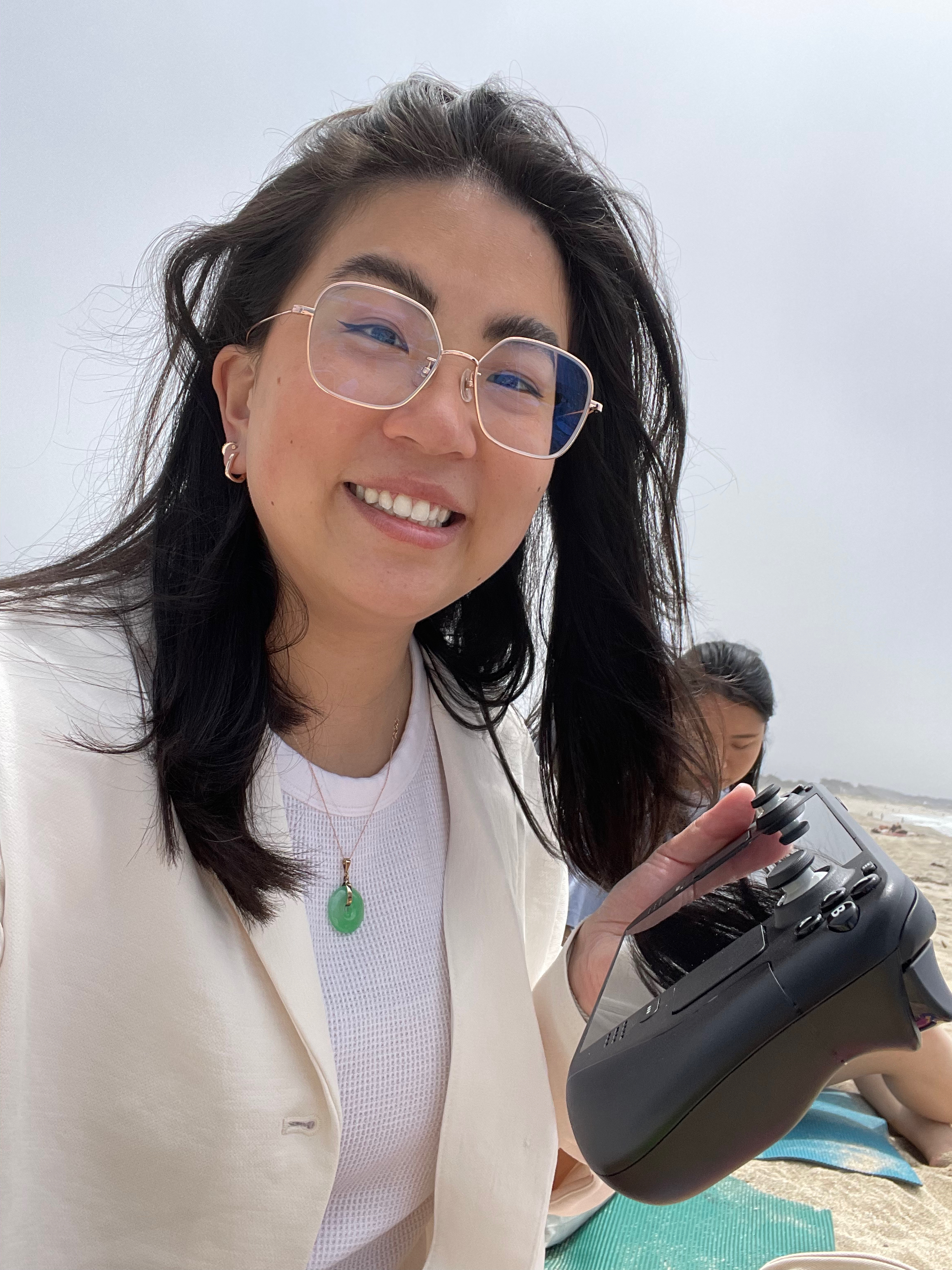
I was fortunate enough to get my hands on a Steam Deck last month. I’d been waiting for my order window for almost a year, and almost missed it because of a preorder error. Luckily we contacted customer service and they sent us one out almost immediately!
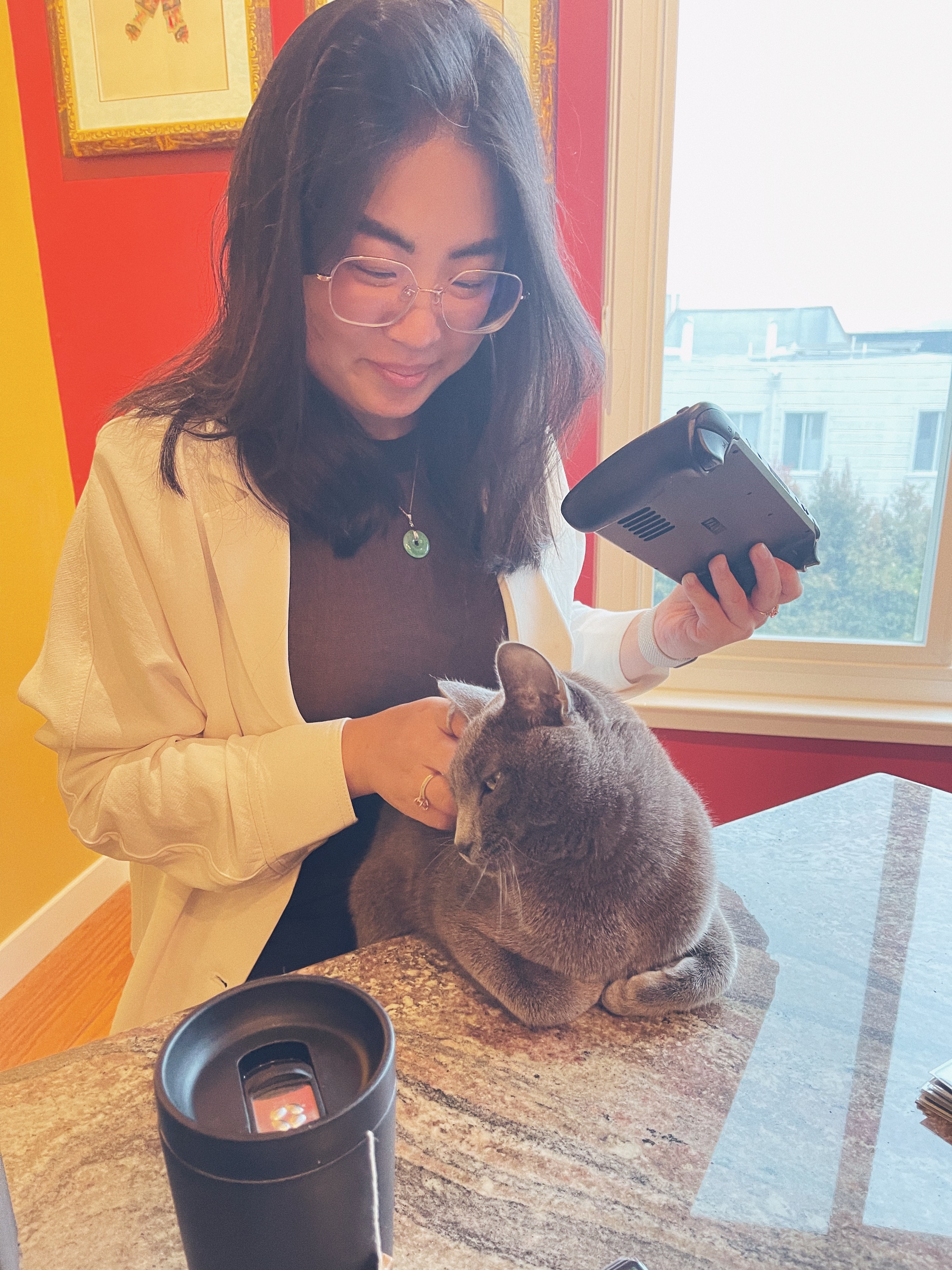
Playing my Steam Deck at the beach in Half Moon BayPlaying my Steam Deck at Game Night with my cat
I’ve never owned a gaming PC (all my computers have been MacBooks) and most of my consoles have been from Nintendo, so being able to play PC and Steam games on a portable computer has been incredible. I also installed an emulator so that I’m able to play some of my favorite older games such as Fire Emblem: Path of Radiance.
Loved ones
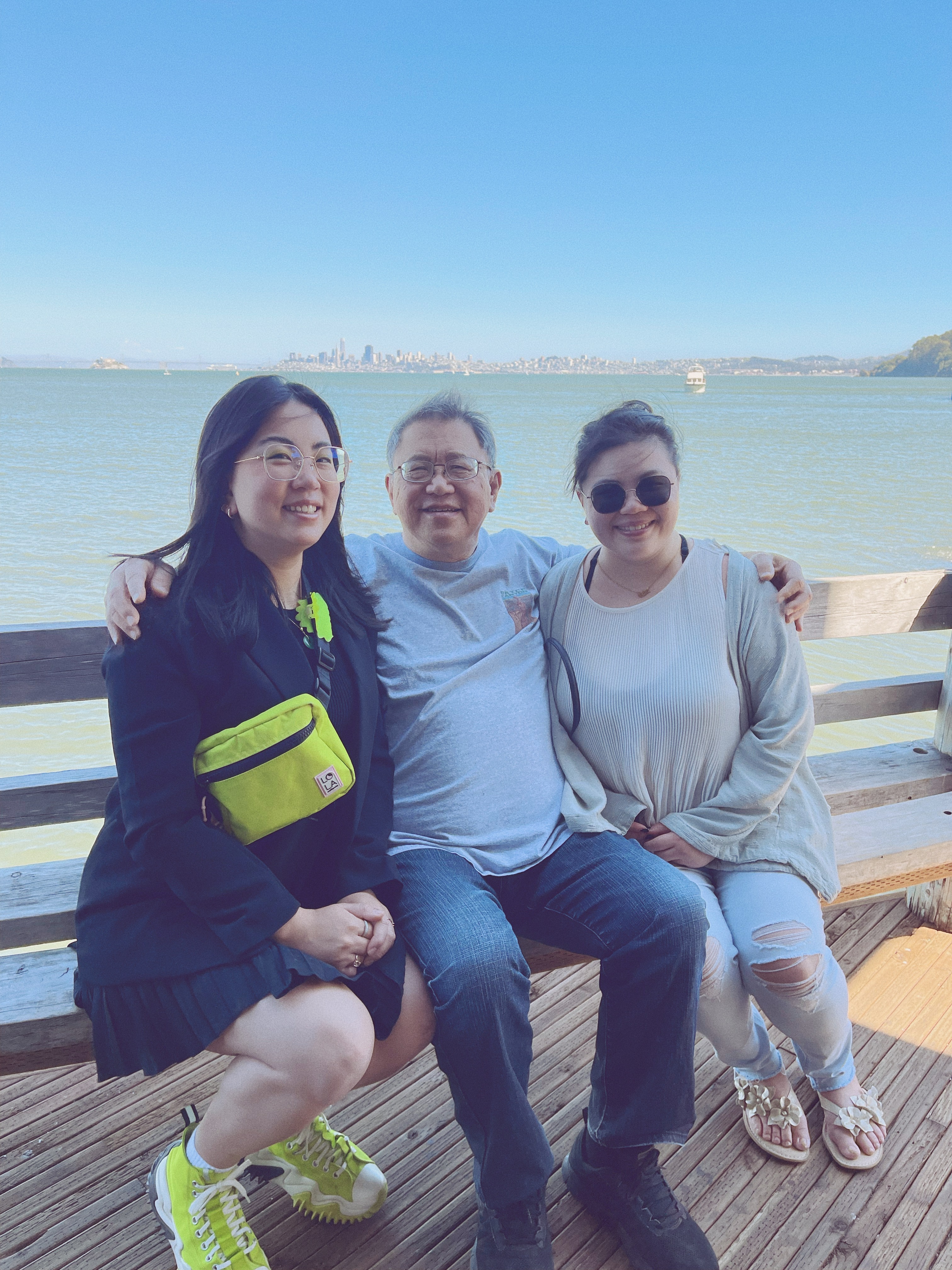
Spending time with the people I love has been the highlight of this year. Even though I had more time in years past, I think that this year I’ve been really intentional with my time with my friends and family.
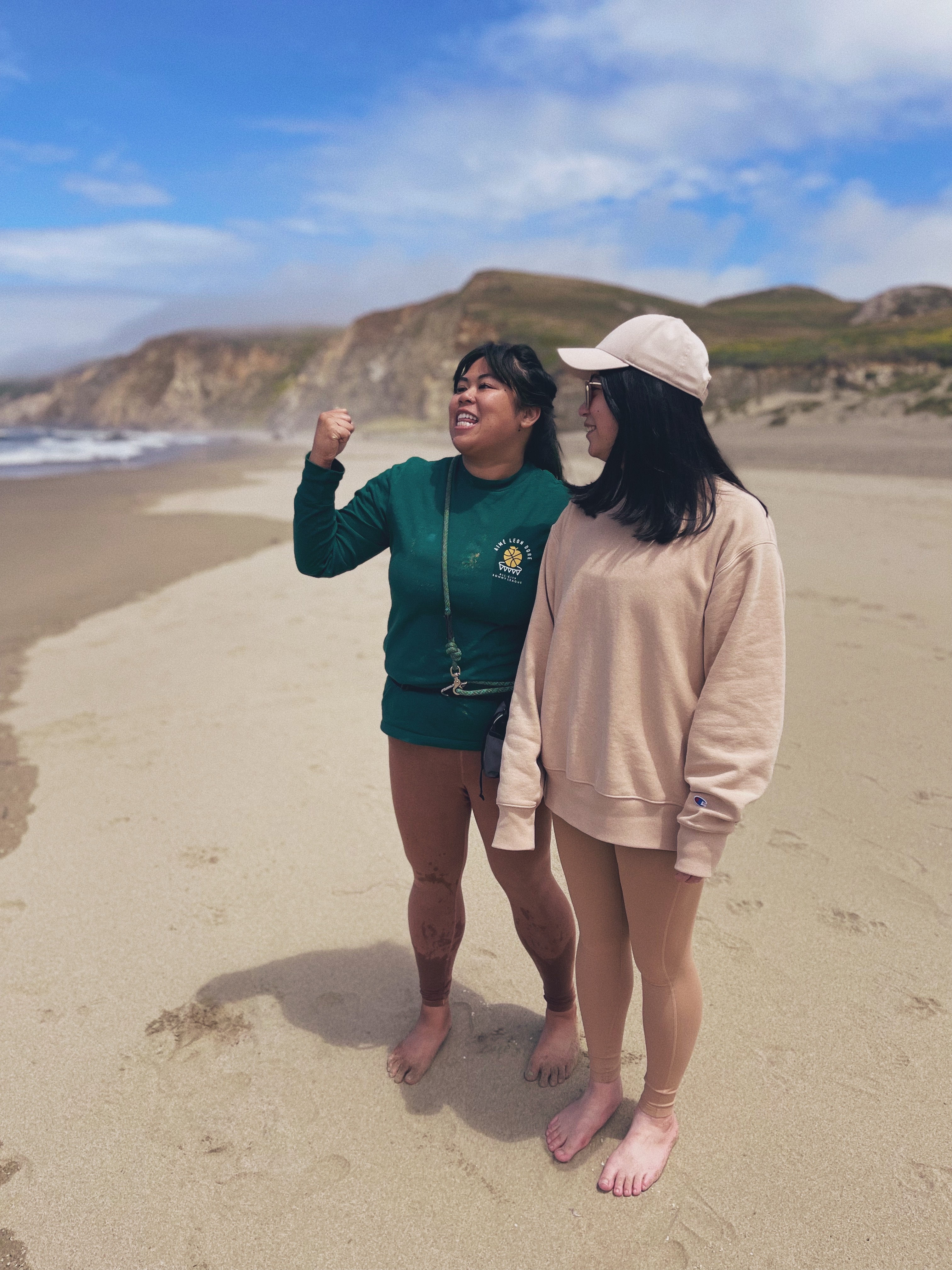
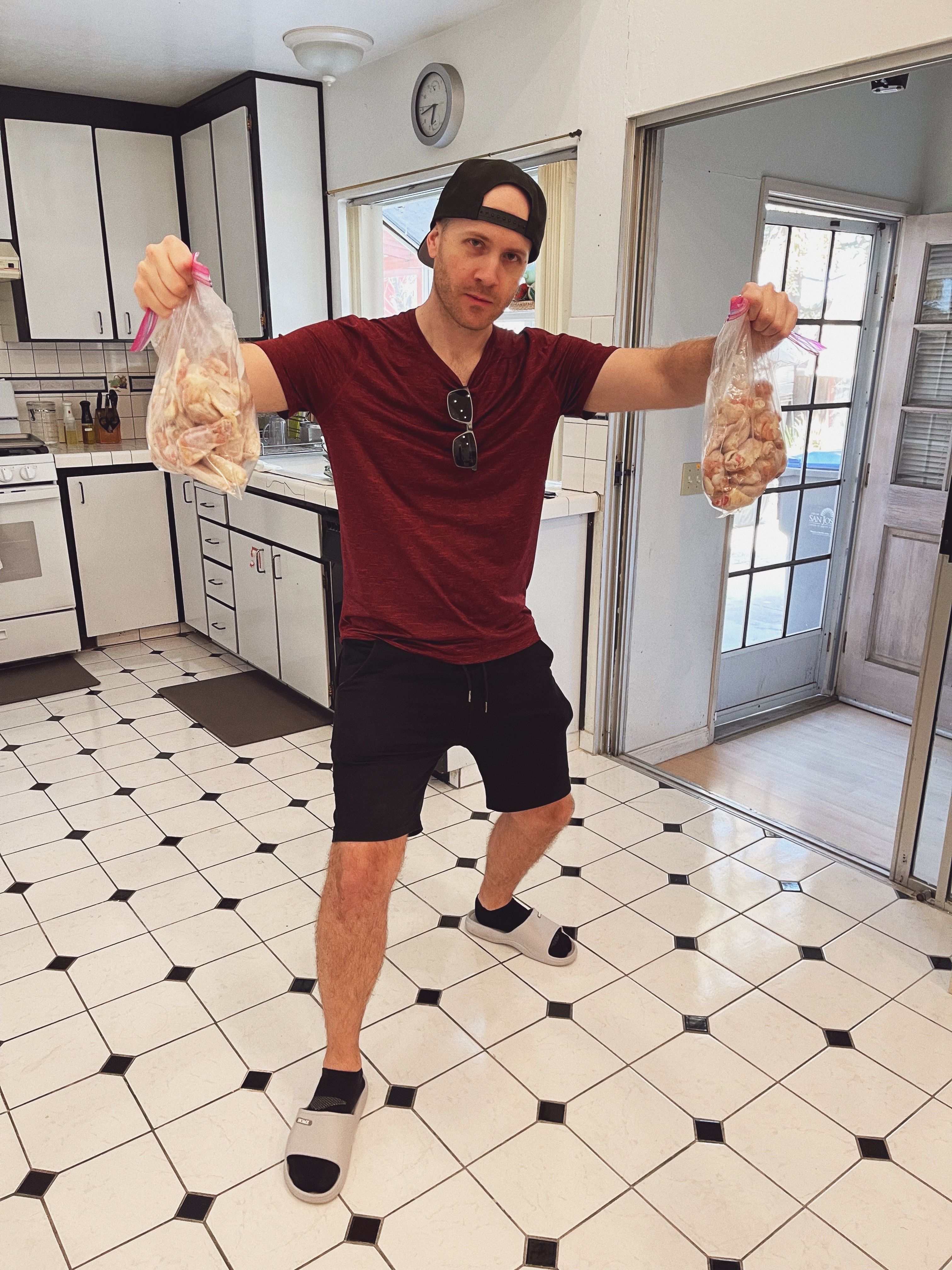
Boba with HaydenFather’s Day with familyBeach with JeselleIce cream with RichardMe at Float Pack FridayCooking wings with Phil
The cat
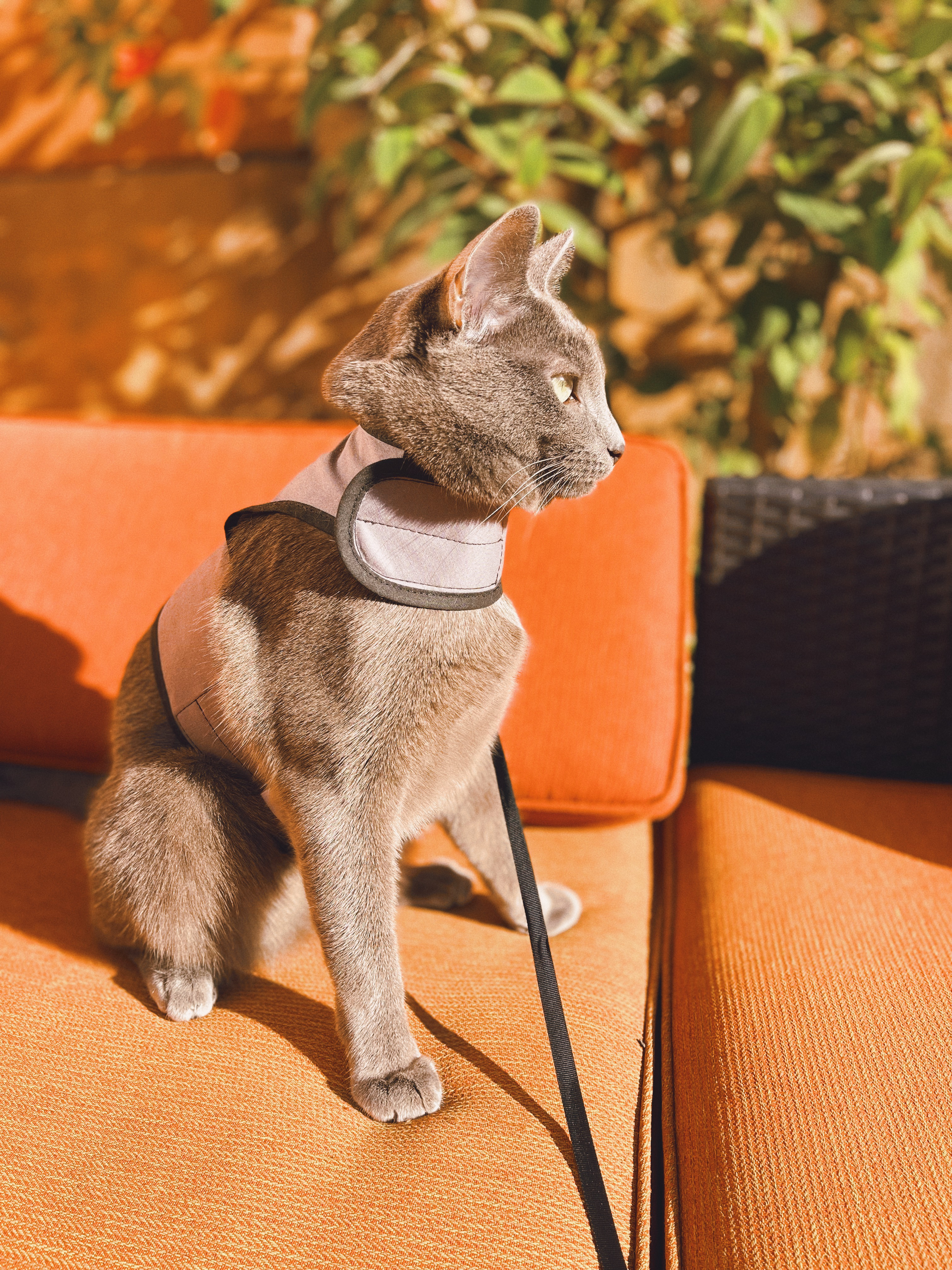
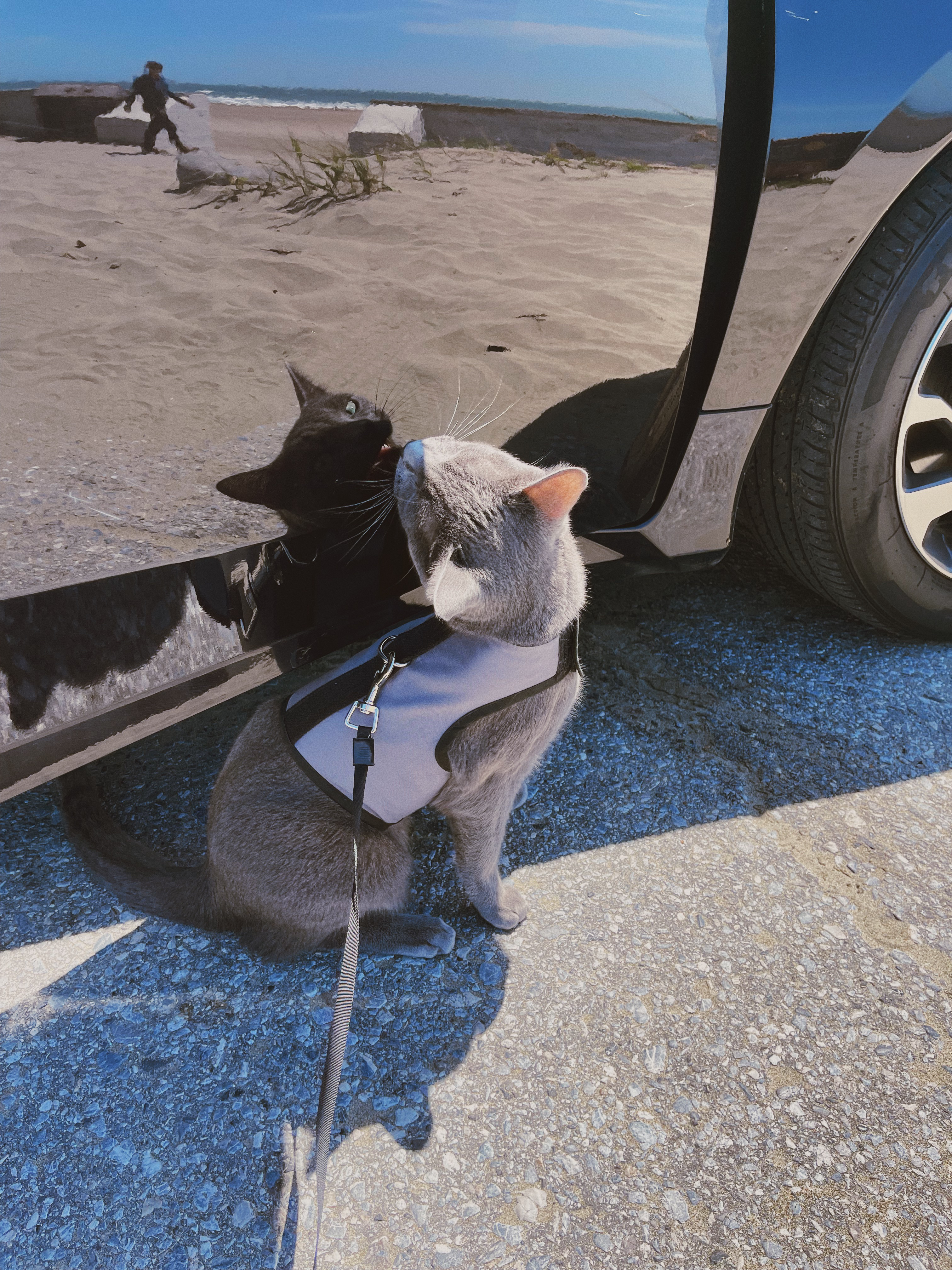
Last but certainly not least, I’ve been spending a lot of time with my cat, Alfie. He’s been in my life since last September, but I feel like he’s always been with me now. He just turned 1 years old in May, and he’s still quite a handful. Basically all of my photos are of him these days. He’s ridiculous and I love him so much. I’m working on him to make him an Adventure Cat, and so far it’s been working out pretty well.
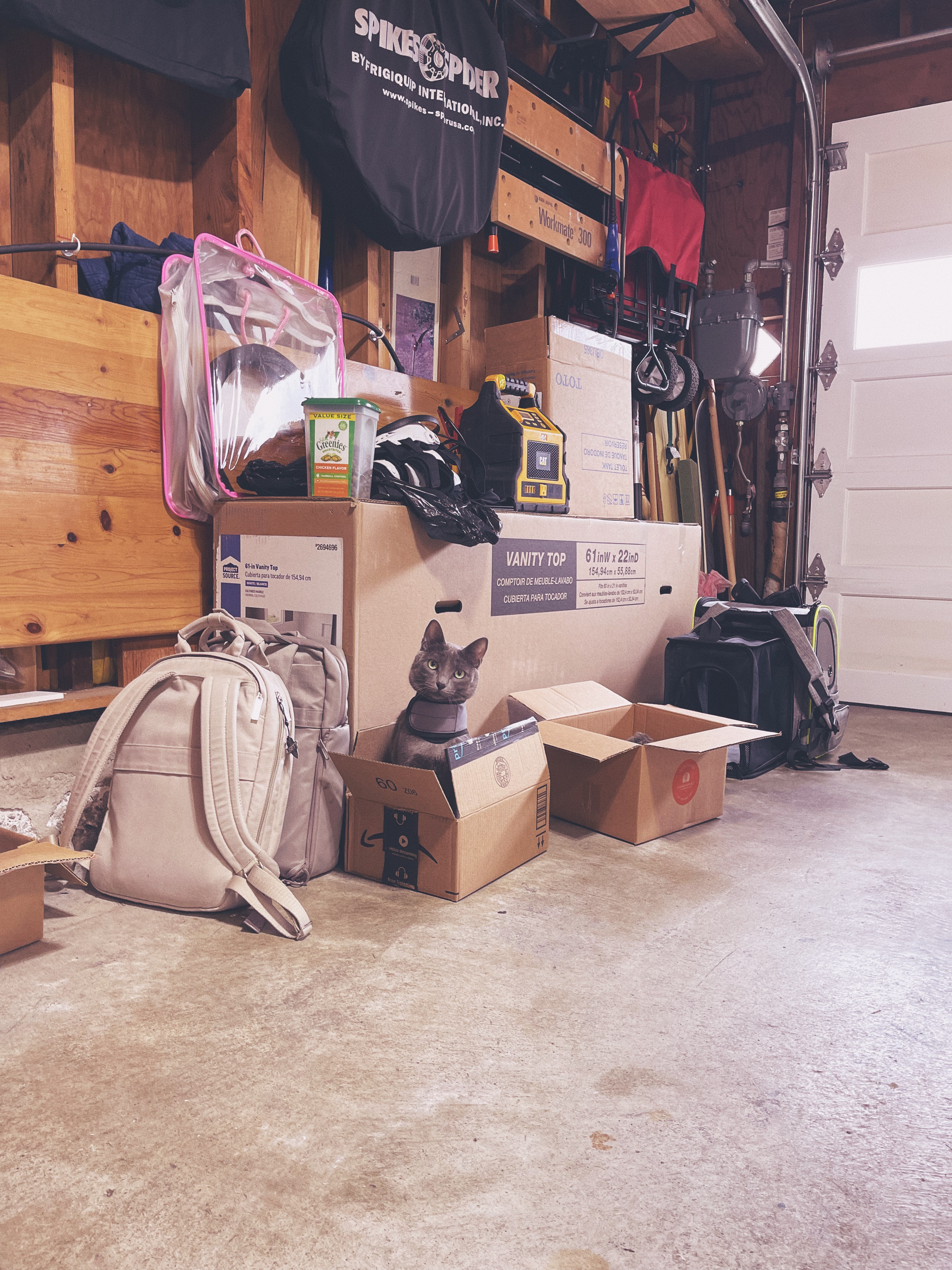
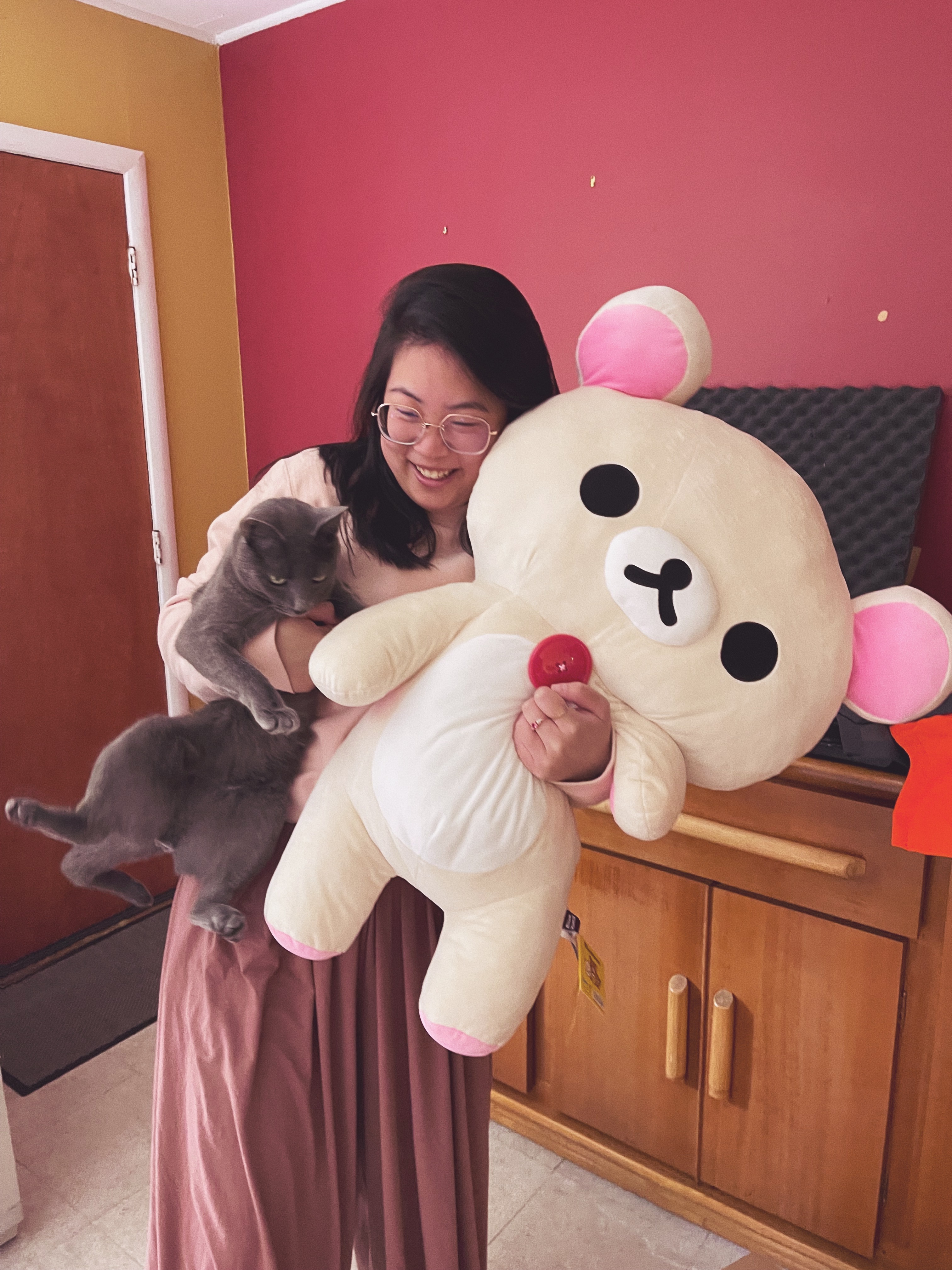
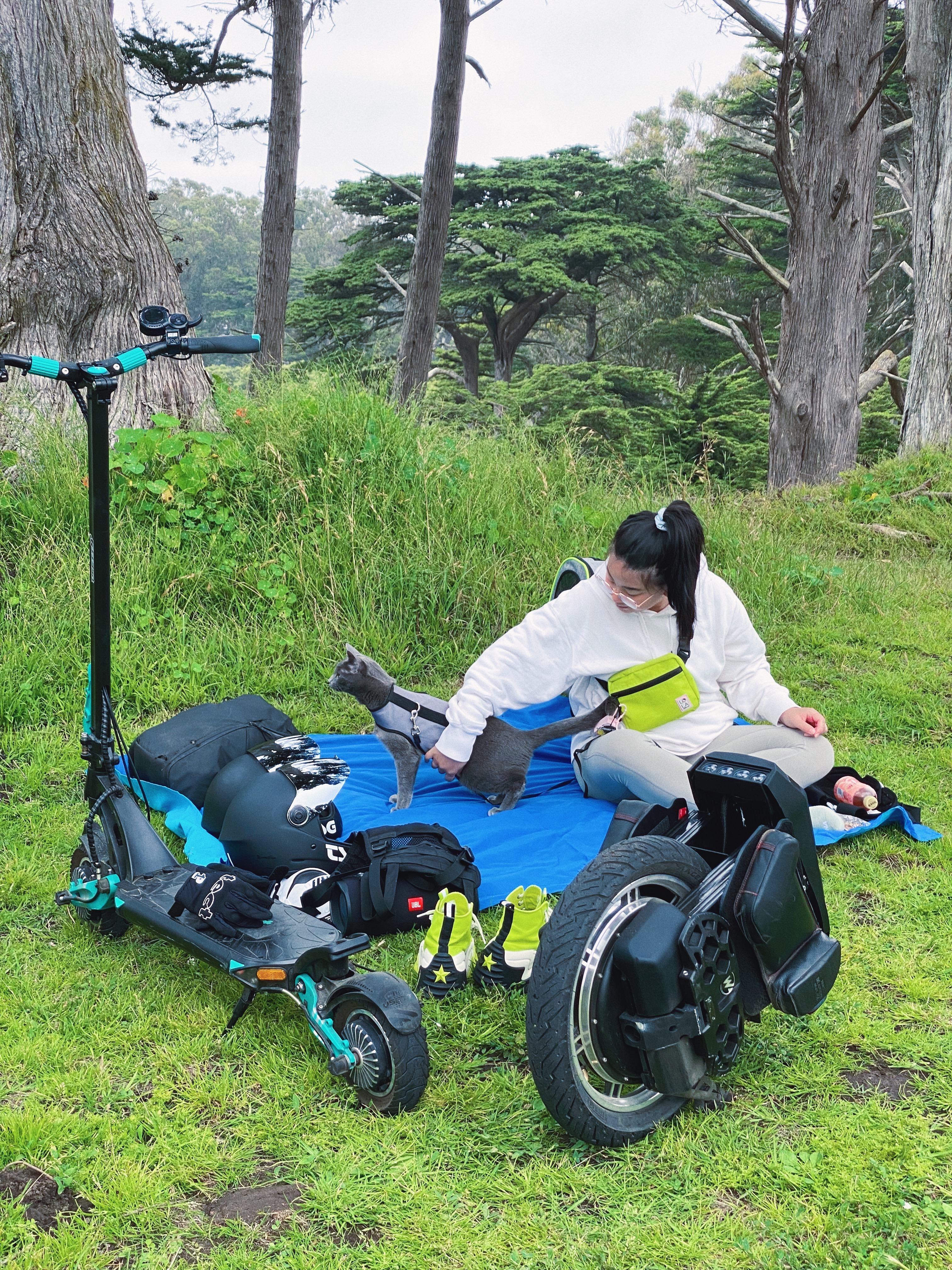
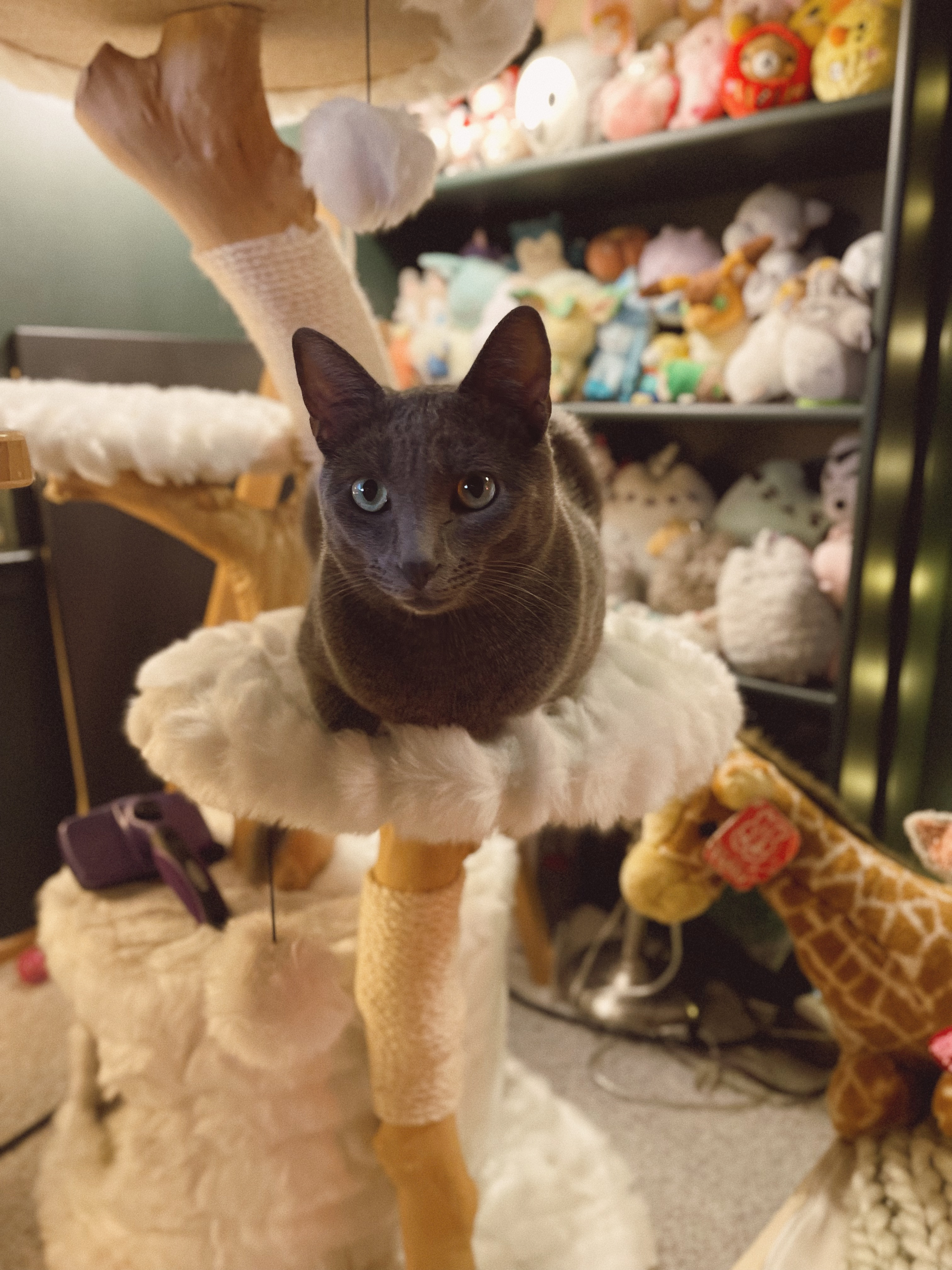
Cat in the gardenCat in someone’s garageCat with me and KorilakkumaCat at the parkCat on his cat treeCat at the beach
Happy
Don’t really have a conclusion other than this: I’m grateful for the good times I’ve had so far this year, and I’m looking forward to the rest of it. ✨
]]>
New year, new design.2023-01-30T00:00:00Zhttps://gabriellew.ee/posts/2023/01/30/new-year-new-design/
I think I force myself to keep up with all the new things happening in web development by making myself redesign my site every couple of years or so. I never really consciously sit down to make comps and figure out all the details. The process is really more of me noodling on an idea I’ve had for a while until it crystallizes into something I can use.
I realized towards the end of last year that I really missed Tumblr. I don’t really miss the artwork and photos (I get those from other social media platforms these days) or even the community aspect. What I really miss is the themes!
Back then, I was used to making MySpace layouts and having to manually overwrite their built-in HTML in order to put what I wanted on the page. Tumblr felt like a breath of fresh air — a free, built-in CMS and community with the ability to write custom HTML templates for different kinds of posts. Different kinds of posts! Every other platform I had used up until that point had one kind of post with the ability to add other forms of media, like tweets having media attachments. But Tumblr’s microblogging platform had 7 or 8 different kinds of posts and I could represent each of them differently than the rest.
So I set out to recreate the feeling of a Tumblr blog but ✨for me✨. This eventually boiled down to four different post types:
Text posts — including these blog posts as well as my old blog posts from before 2015 and external articles that featured me or my writing.
Photo posts — including photography, graphics, and artwork. I pretty much brought these over from my last site iteration since I liked the implementation.
Code posts — My CodePen code snippets that I wanted to feature.
Social media posts — posts from other platforms that are directly related to either web dev or my other hobbies.
Text posts
Text posts were easy enough to build - I’m still using Eleventy (updated to 2.0, which is exciting!) and could pull my markdown posts from the previous site. I also imported my old blog posts from 2012-2014 but decided to let them live in their own category so that I could treat them separately if needed. I took a lot of inspiration from the previous site styles, including the cut-off corners and angled buttons.
There was no straightforward way for me to add external articles, so I created an Eleventy global data file with the same information as the rest of the text posts. I called these “feature posts”.
Photo posts
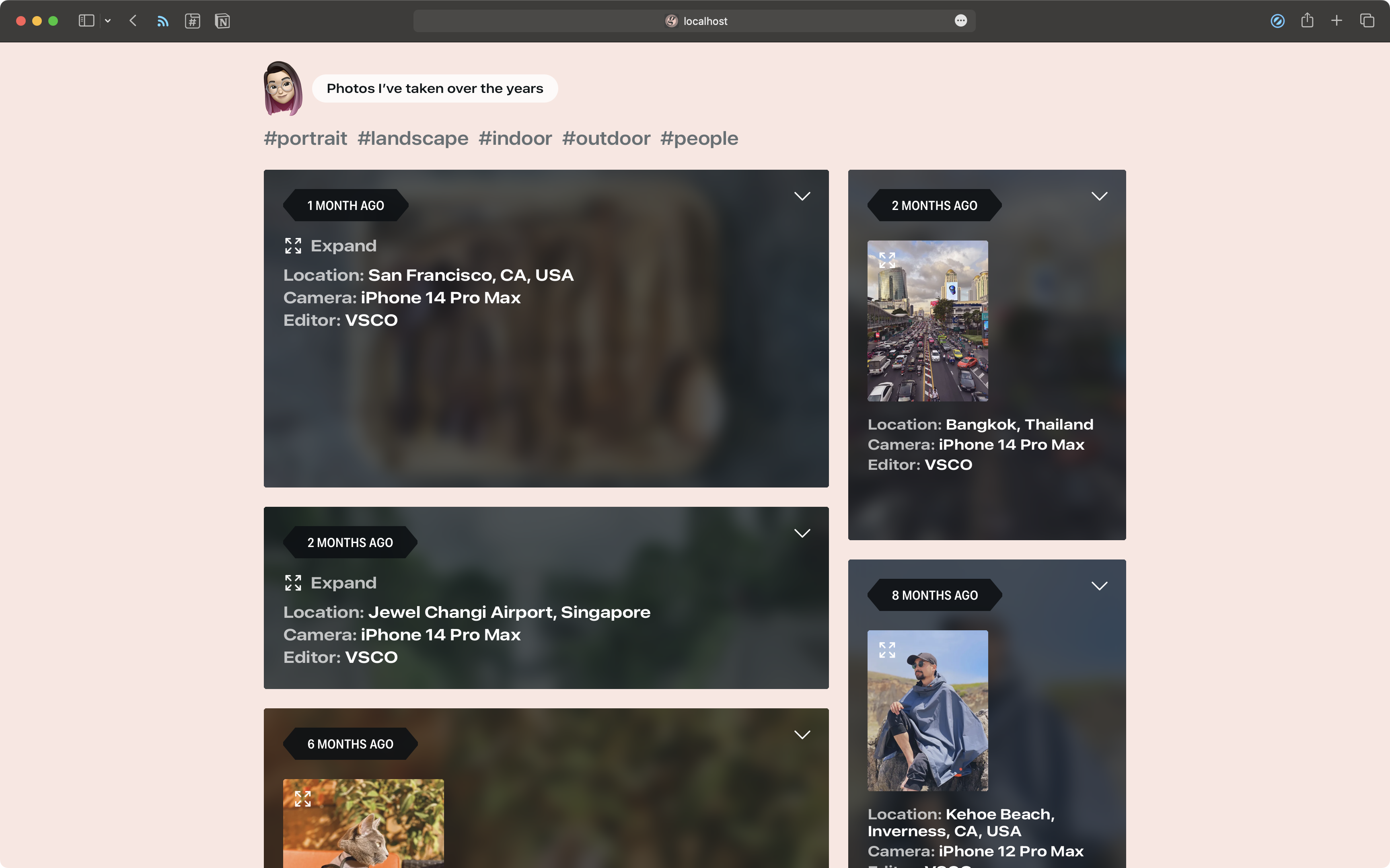
I also imported photo posts from the previous site as well as the collection pages (/photography, /graphic, /art), but I wanted to tweak the information overlay that I’d previously designed. They still use a checkbox input to activate! I also included links if they were posted on another site like Instagram or Dribbble.
This was the first opportunity that I had seen to try out container queries, which I’m really excited about. I attended An Event Apart 2022 in San Francisco last year and learned about container queries from Chris Coyier and Val Head.
Different photo overlay layouts for different container widths
Portrait photos by default take up half the container width while landscape photos take up the entire container width, but with some photos I overrode the width to emphasize or deemphasize the post. If the post has enough width and height, a thumbnail of the photo shows up that when clicked, expands into a lightbox. If the container isn’t tall enough to show a thumbnail, the text “Expand” replaces the thumbnail. On browsers that don’t support container queries, the overlay is scrollable to view all content.
.media-container { // set up container query @supports (container-type: size) { container-type: size; container-name: metadata; }}.media-overlay { overflow-y: auto;}.media-thumbnail { .media-expand { // hide the "Expand" text for large viewports when container queries aren’t supported @supports not(container-type: size) { @include viewport($iphone) { .no-image { display: none; } } } // hide the "Expand" text for large containers when container queries are supported @container metadata (min-width: 320px) and (min-height: 400px) { .no-image { display: none; } } } .media-picture { width: 150px; // media queries to handle thumbnail display and sizing when container queries aren’t supported @supports not(container-type: size) { @include viewport($iphone) { display: block; } @media only screen and (min-width: 450px) { width: 200px; } @include viewport(mobile) { width: 150px; } @include viewport($ipad-11) { width: 200px; } } // a more straightforward version when container queries are supported @container metadata (min-width: 320px) and (min-height: 400px) { display: block; } @container metadata (min-width: 400px) { width: 200px; } }}
In order for the container queries to work in both directions (inline and block), the container needed to have a defined width and height. In order to solve this, I created a stats shortcode using eleventy-img that gets the height and width of each image and outputs an aspect ratio. It can also output width, height, or orientation, which I found useful in other contexts.
<figure style="aspect-ratio: {% stats './static/images/photography/2022-07-20-cat-garden.jpg', ’ratio' %};"> <!-- image and information --></figure>
Output:
<figure style="aspect-ratio: 3024 / 4032;"> <!-- image and information --></figure>
Code posts
Each code post has an iframe, a link to the original CodePen pen, and a reload/replay button that refreshes the frame. I wanted to style my code posts independent of the CodePen UI, so the frame source code is hosted on my own site. Each frame source also has its own front matter, just like my text posts, so that it can be included on the front page.
As of right now, the only social media posts that I’m including on my site are Mastodon posts. I considered Twitter and Instagram, but Twitter’s API is notoriously out of commission and I generally use Instagram for personal and not dev-related content. So Mastodon it is, for now!
Eleventy-fetch has been super useful, as well as Netlify environment variables. I set up a global data file called mastodon.js that caches my account’s posts as well as an .env file that contains all of the same build variables I specified on Netlify.
In order to get everything on the front page, I needed to have one category that Eleventy could paginate through. I decided to call this collection “entries” and add it as a tag to all four kinds of posts.
For regular text posts, I include it as a tag in the front matter on my post template.
---layout: layouts/base.njktags: entries---
Code posts were the same except that they didn’t use the post template so I put tags: entries into each individual file.
I set permalink: false on all of these — photo posts already had all the information included and the others had permalink pages outside of my website.
I decided to filter my Mastodon posts and remove posts mentioning my site URL (since they’d most likely just be a link to a blog post already on the front page) as well as replies/reposts. I’d seen some implementations removing them entirely from the data, but Javascript is not my strong suit and I couldn’t get it to work for me, so instead I changed the tag so that they were no longer included in the “entries” collection.
Edit 01/31/2023: I’ve realized that if you add &exclude_replies=true&exclude_reblogs=true to your url in mastadon.js, you don’t need to change the tag collection and can remove data.mastodon.reblog || data.mastodon.in_reply_to_account_id.
Now, in my index.njk file, I could paginate through “entries” and have everything I needed! Here’s a much-abbreviated version of my post template (I have a lot more variables in the final version).
---title: Homelayout: layouts/base.njkpagination: data: collections.entries size: 16 reverse: true---<div class="posts"> {% for post in pagination.items %} <article class="post"> <div class="post-inner"> <header class="post-header"> <div class="post-header-content"> <h2> <a href="{{post.url|url}}"><span>{{post.data.title|safe}}</span></a> </h2> <time datetime="{{post.page.date|htmlDateString}}">{{post.page.date|readableDate}}</time> </div> </header> <div class="post-content"> <!-- {{post.content|safe}} or code post iframe or photo post information --> </div> </div> </article> {% endfor %}</div>
Webmentions
Implementing webmentions was tricky. I ended up using eleventy-fetch again and set up Webmention.io and Bridgy to get my webmentions — here’s an article I read describing how to set that all up. I found out how to send outgoing webmentions from James Mead and how to set up an h-card from Ashley Kolodziej.
I decided against a Javascript solution to sorting data (again, not my strong suit) and instead used a built-in Nunjucks filter called groupby. This allowed me to group each mention by type (likes, reposts, links, and replies) and create different templates for each type. You can see the full template here.
<!-- set a pageLink variable so that only mentions for this page show up -->{% set pageLink = site.url + page.url %}<aside class="mentions"> {% for target, webmentions in webmentions.links | groupby("target") %} {% for type, webmentions in webmentions.links | groupby("activity.type") %} {% if target == pageLink %} <div class="mentions-list"> <ul> {% for webmention in webmentions %} <li> <!-- webmention template --> </li> {% endfor %} </ul> </div> {% endif %} {% endfor %} {% endfor %}</aside>
Done (for now)
Figuring out each step of building this new site took a lot of time, research, and trial/error. I feel a little weird posting about all the things I did, especially as cobbled together as this feels. But I would have loved if I had been able to find this kind of information/compilation when I was building this site. If you have any questions, please feel free to contact me!
]]>
Why does the letter G look so weird?2023-03-02T00:00:00Zhttps://gabriellew.ee/posts/2023/03/02/why-does-the-letter-g-look-so-weird/
I don’t know if it’s just me, but finding an aesthetically pleasing G is the bane of my existence. I’ve never liked the way G looks in any font — especially cursive G’s, those are the worst. Lowercase g’s don’t make much sense either, especially the looptail variety. I used to spend hours as a child rewriting my name over and over because I couldn’t get it to look like how I wanted it to look (still haven’t quite gotten it right).
As time has passed, this search for the perfect G has spilled over into other parts of my life. I spent three hours browsing Etsy the other day because I wanted an initial necklace and all the G’s were too narrow, too angled, not special in any particular way.
I also have struggled with making favicons/OpenGraph images for my site. I’ve avoided proper identity design by simply using my initial, but then I spend even more time trying to perfect it.
Logo design from 2013Logo design from 2014Logo design from 2016Logo design from 2021
With my first proper website design, I simply threw the initial in my website font onto a red background and called it a day. Later iterations were more or less the same thing, with varying colors and backgrounds. This proven technique has led me to my current icon design, though I think I like the G a little more this time around.
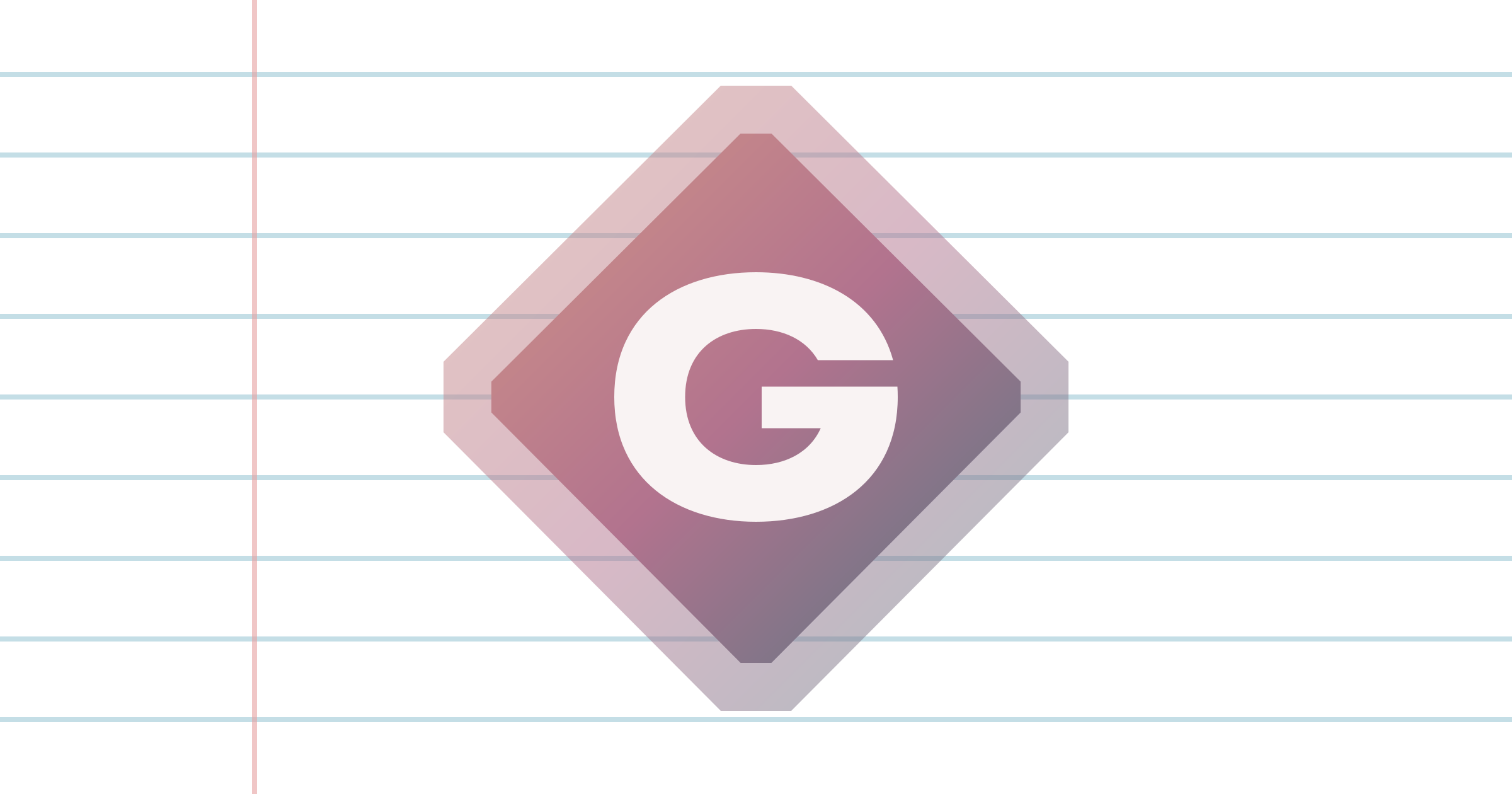
Current logo design used in OpenGraph imageCurrent logo design used in OpenGraph image for graphic pageCurrent logo design used in OpenGraph image for post pages
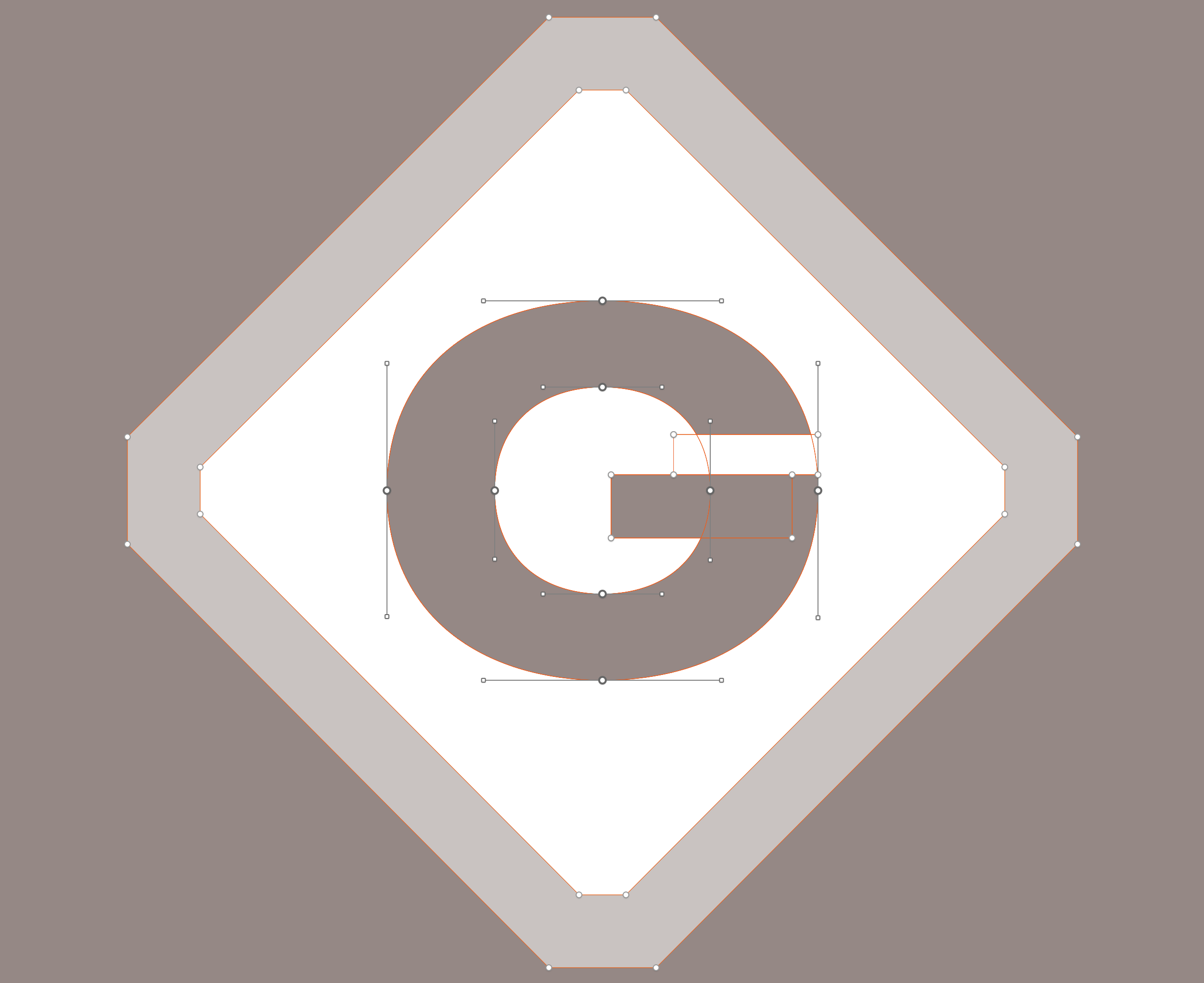
Maybe it’s because wide sans-serif fonts are trendy right now, but something about the oval that is deeply satisfying, more so than the perfect circles I emulated in previous iterations. I also added the cut-off corner motif that is used all over my site.
Vector points used for logo design
I decided to rotate the background for favicons since the square would utilize more space than the diamond shape.
Logo version used for iOS and OpenGraphLogo version used for favicons and Android
I used to have to search for a favicon generator every time I updated mine, but I finally just installed ImageMagick and made the .ico file myself.
All that to say, I think this G is close enough to perfection for me. Now I just have to figure out how to get this version onto a necklace.
]]>
I made my handwriting into a font!2023-08-22T00:00:00Zhttps://gabriellew.ee/posts/2023/08/22/i-made-my-handwriting-into-a-font/
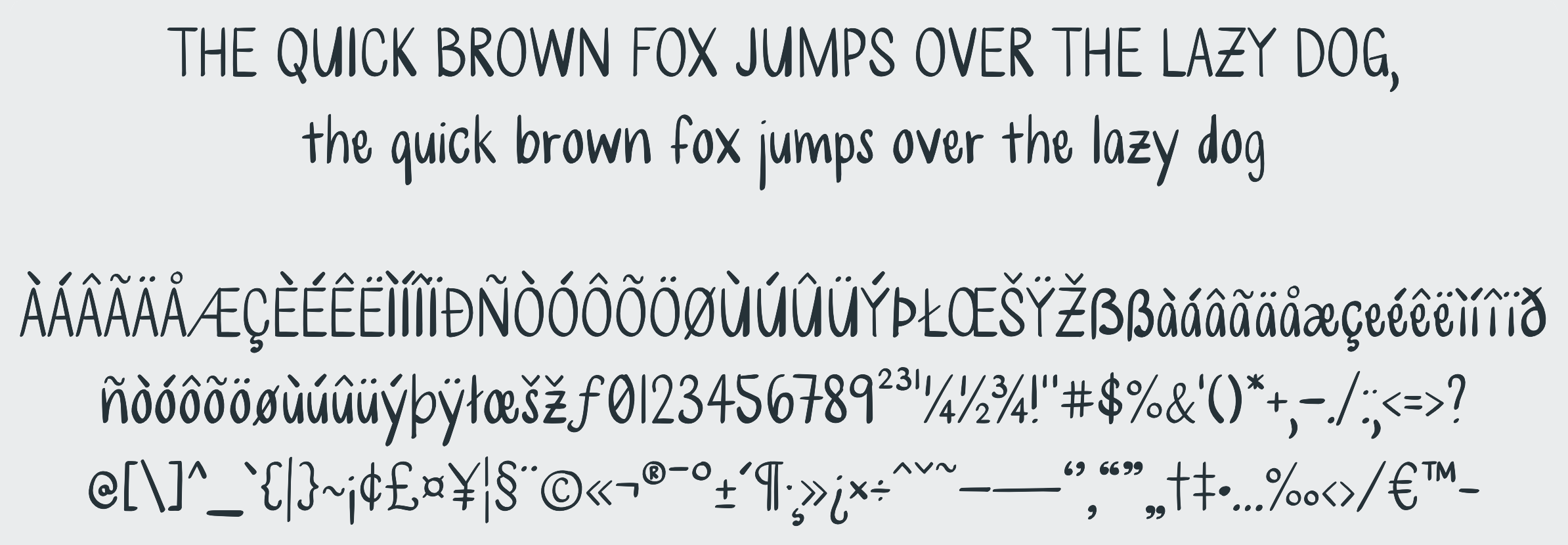
I’ve been using my iPad a lot more lately. For a while, I was mostly using it as an e-reader and notebook, but lately I’ve been playing games from the Kingdom Rush series and other Apple Arcade apps. I also recently discovered that there are a number of apps for creating your own fonts! Years ago, I read an article about a high school student who sent in his college application essay printed in his own handwriting, and making my own font has been on my bucket list ever since.My handwriting as a font
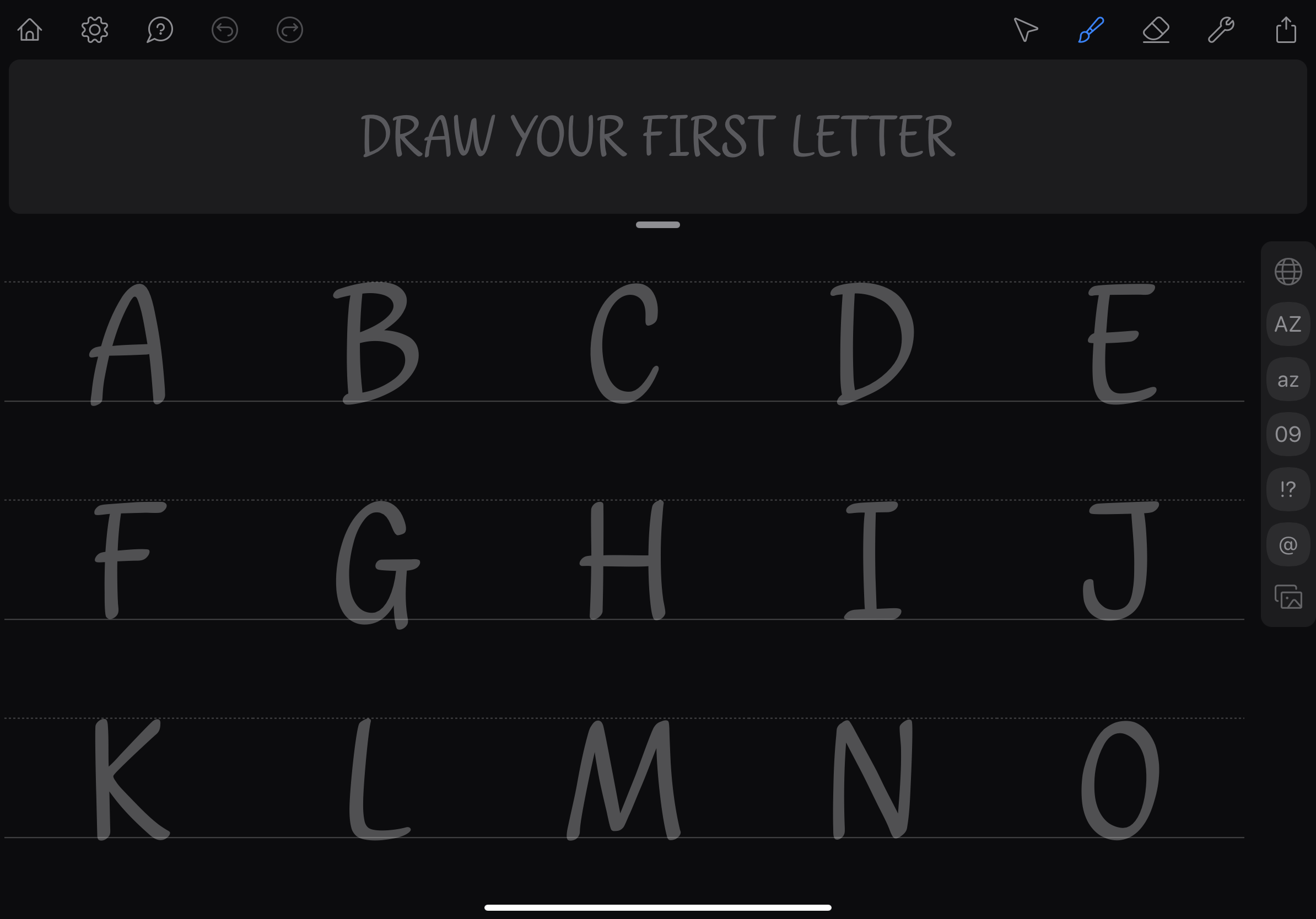
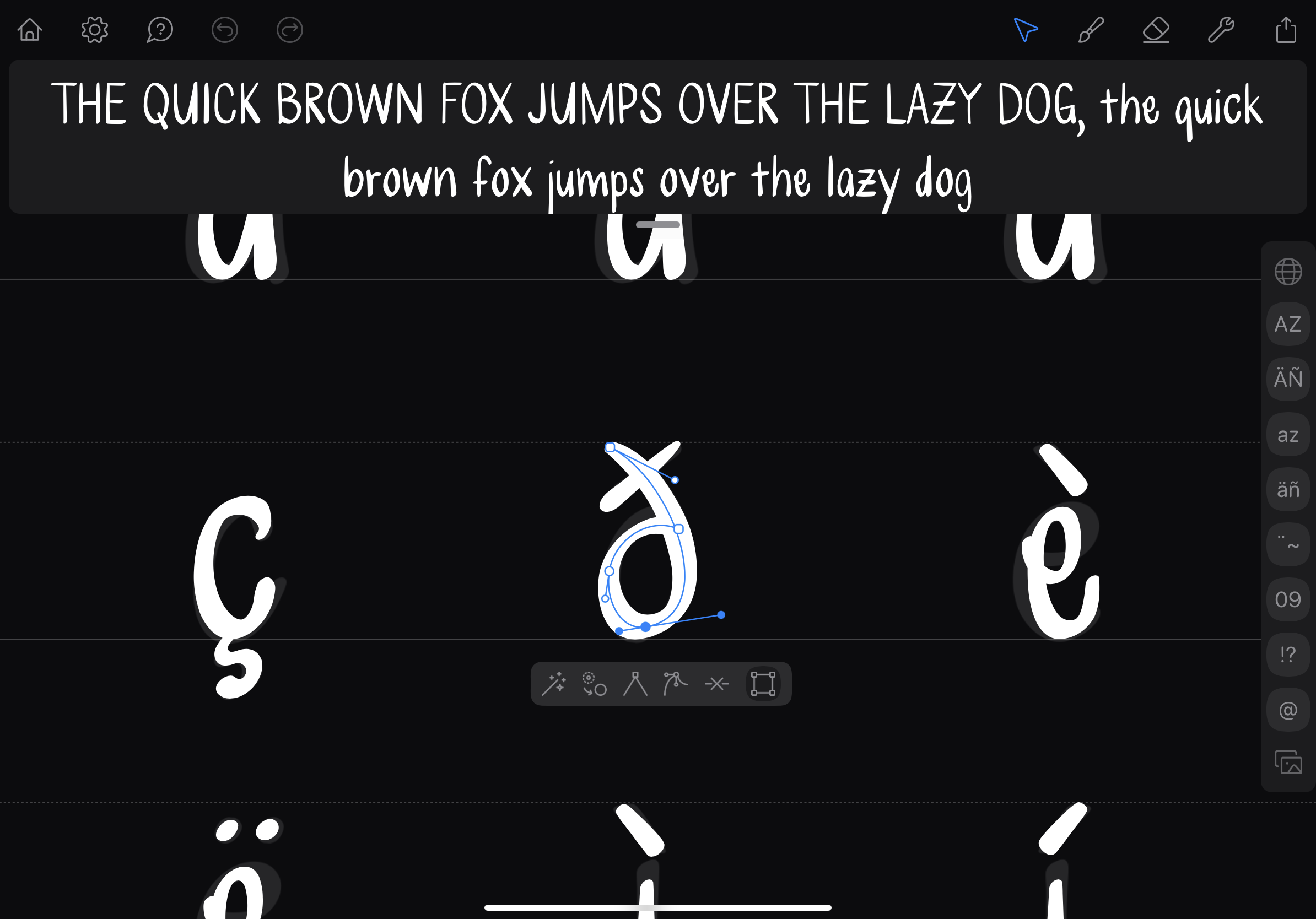
After a bit of research, I decided to check out Fontself. It was really easy to set up and get started. The app comes with a number of templates, so I picked the handwriting one and began drawing. I tried really hard at first to get each stroke right, but later realized that I could edit the curves afterwards.
The handwriting templateEditing bézier curves
Honestly, it’s a little bit weird to see my handwriting so neat and even. I feel like I could probably achieve this by hand if I wrote verrrrry slowly. Before editing the curves, the font looked a lot more like my everyday handwriting, but the repeated quirks in each letter looked strange to me. Making each letter more balanced and upright lent itself better to a legible font.
I’m still not sure what I’m going to do with my new font. I would love to add a bold variant but the app is a little bit limited and I can’t edit stroke width after drawing out the character, so I’d have to start from scratch. I ran into a problem I also have with my physical handwriting — at small sizes, it’s difficult to read. I think it’s because the letters are so narrow and tall. Maybe I’ll refine it more and put it on my website. All in all, it was a really fun afternoon project!
It’s far from complete, but if you wanted to check out the font, you can download it here.